
How to Use LockedIn AI for Interview Prep (Not Live): A 7-Day Practice Plan
Table of Contents
If you’ve been endlessly scrolling through job boards or getting filtered by ATS bots, you know the specific kind of burnout that follows. I kept seeing people mention how to use LockedIn AI for interview prep, and honestly, I had the same skepticism you probably do: is this a game-changer, or just another open browser tab I’ll eventually ignore?
Tools don’t create clarity; they amplify what you give them. So, instead of guessing, I spent the last week building a rigorous 7-day practice plan around it. If you are tired of “vibes-based” preparation and want a tighter mechanism to raise your interview conversion rate, let’s look at the actual data.
Before you start (target role, rubric, question bank)
If you want LockedIn AI to help, you have to feed it the right inputs. Tools don’t create clarity. They amplify whatever you give them.
1) Pick one target role (not five)
Choose one role for the next 7 days: SWE, PM, Data, or UX. If you aim at everything, your keyword match gets weaker and your stories get messy.
I write a one-line target like:
- “Backend SWE (Python, APIs, SQL) at mid-size SaaS”
- “Data Analyst (SQL, dashboards, stakeholder updates) at fintech”
That sentence becomes my alignment anchor.
2) Create a simple scoring rubric
I use a 10-point rubric so I can quantify progress (yes, even for behavioral answers).
- Clarity (0–2): could a tired interviewer follow it?
- Structure (0–2): does it follow a clear STAR flow?
- Impact metrics (0–2): did I quantify outcomes?
- Role fit (0–2): does it map to the job’s needs?
- Signal vs. fluff (0–2): does each sentence earn its place?
This makes LockedIn AI feedback actionable. No vibes. Just metrics.
3) Build a question bank (small, not huge)
Recruiters won’t tell you this, but most interviews recycle the same question types. I start with 12–15 questions.
For SWE:
- “Tell me about a tough bug.”
- “Design an API for X.”
- “Explain a system you built.”
For PM:
- “Tell me about a hard tradeoff.”
- “How do you decide what to build?”
And For Data:
- “How do you validate data quality?”
- “Explain a dashboard you shipped.”
International candidates: add 2 questions about work authorization:
- “What’s your status and timeline (OPT/CPT/H-1B)?”
- “Do you need sponsorship now or later?”
Be calm and direct. If you sound uncertain, it hurts trust.
Quick note: for visa details, I sanity-check timelines using official USCIS working authorization information and the DHS OPT page. Don’t rely on rumors from group chats.
Day 1–2: baseline mock + gap map
Days 1–2 are not about sounding polished. They’re about finding the leaks.
What I do in LockedIn AI
I run two baseline mocks:
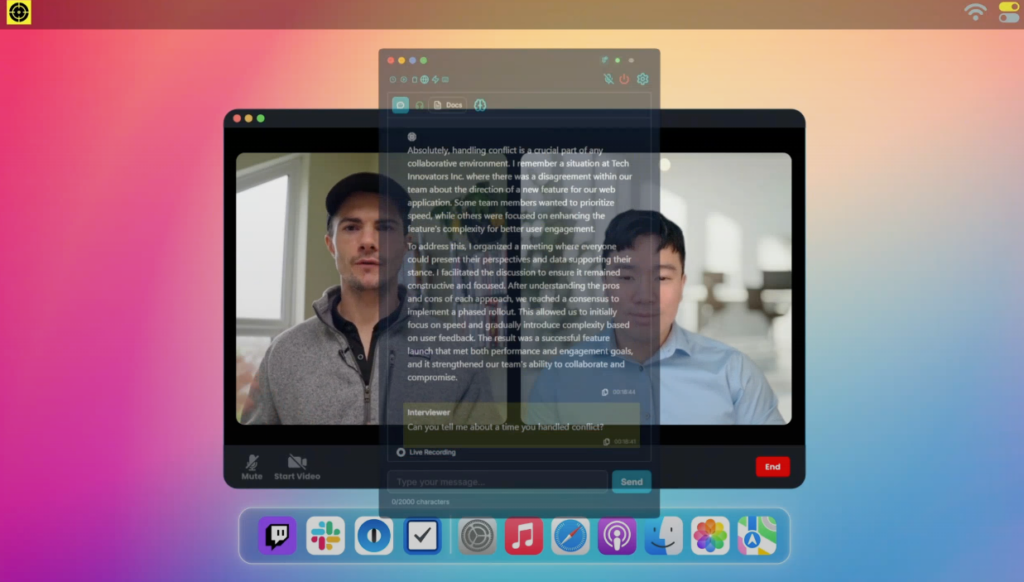
- Behavioral mock interview (30 minutes)
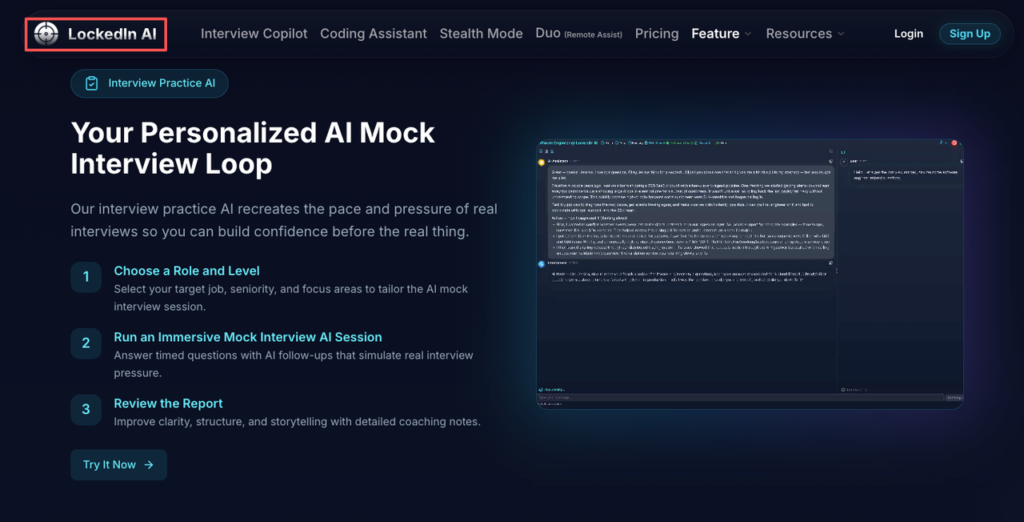
- Role-specific mock (30–45 minutes)
I answer like it’s real. No rewinds. That’s the point.
My “gap map” (the output that matters)
After the mock, I make a simple table in my notes:
- Question: “Tell me about a conflict.”
- Score (0–10): 5
- What failed: weak stakes, no outcome metric
- Fix: add context + quantify impact + tighten ending
Patterns show up fast. For example:
- If I ramble, my parsing algorithm is my own brain. I need shorter sentences.
- If I never mention numbers, my impact feels imaginary. I need data-backed proof.
Here’s the harsh truth: if you can’t explain your work in plain words, you can’t negotiate from strength. Clarity is leverage.
ATS tie-in (yes, it matters here)
The same skills that beat interview confusion also help resumes pass ATS:
- consistent role keywords
- clean structure
- measurable impact
Interview prep isn’t separate from ATS optimization. It’s the same story, just spoken out loud.
Day 3–4: STAR stories + clarity coaching
Now I build my story library. Not 20 stories. Just the ones that cover 80% of interviews.
My STAR set (7 stories)
I draft 7 stories that map to common signals:
- Ownership
- Conflict
- Ambiguity
- Failure + learning
- Speed / delivery
- Leadership / influence
- Deep technical or analytical win
Each story gets a title like “Latency Fix” or “Roadmap Reset.” If I can’t name it, it’s not clear yet.
How I use LockedIn AI for clarity coaching
I run each story and ask for:
- Where I lost the listener (usually the middle)
- missing impact metrics
- a sharper one-line value prop
Example upgrade:
- Before: “I improved performance.”
- After: “I cut API p95 latency from 900ms to 220ms, which reduced timeouts by 35% and saved ~8 engineer-hours/week.”
That’s not “bragging.” That’s ROI.
Recruiters won’t tell you this, but the best candidates do one thing: they make the interviewer’s job easy. Simple words. Clean structure. Clear numbers.
International candidate add-on: sponsorship narrative
If you need sponsorship, don’t hide it. Don’t over-explain either.
I practice a two-sentence script:
- “I’m authorized to work on OPT through ___.”
- “I will need H-1B sponsorship in ___, and I’m targeting employers with a history of sponsoring.”
Then I move right back to impact. Status is logistics. Your value is the story.
Day 5: technical drills (explain-first → code)
Day 5 is where many smart people lose offers. Not because they can’t code, because they can’t communicate.
So I use an explain-first → code drill.
Step 1: 60-second explanation
Before I touch the keyboard, I explain:
- what the algorithm does
- why it works
- time and space complexity
If I can’t explain it, I don’t understand it well enough under pressure.
Step 2: Code with checkpoints
I code in small chunks:
- define inputs/outputs
- handle edge cases
- carry out core logic
- test with 2–3 examples
LockedIn AI is helpful here because it catches fuzzy parts fast. Like when I say “we just sort it” without justifying complexity. Interviewers hear that.
Step 3: Build a tiny error list
I track errors like data:
- forgot null case
- off-by-one
- used wrong data structure
Stop guessing. Let’s look at the data. If 6 out of 10 mistakes are edge cases, I drill edge cases. Not “more LeetCode.” Targeted practice.
One more tough-love note: if you only practice ideal problems, you’re training for a world that doesn’t exist. Real interviews are messy. Train messy.
Day 6: full simulation + error log
Day 6 is a full dress rehearsal.
I block 90 minutes and run it like a real loop:
- 10 min warmup
- 35–45 min technical or case
- 20–25 min behavioral
- 5 min “questions for interviewer”
The error log (my favorite part)
Right after, I write an error log while it’s fresh:
- What I said
- What they likely heard
- What I should say next time
This is where LockedIn AI helps me see blind spots, like:
- I answered the question I wanted to answer
- I skipped the “Result” in STAR
- I didn’t anchor impact to business outcomes
Then I turn that into a fix list of only 3 items. Not 15.
Here’s the harsh truth: if you can’t name your top three errors, you’re not practicing. You’re performing.
Insider connection strategy (light, but real)
After the simulation, I do one outreach message to someone inside a target company. One. Not 30.
Why? Because referrals improve interview odds. That’s not magic: it’s funnel math.
Speaking of funnelmath: Don’t let your rigorous prep go to waste on roles that don’t fit. JobRight scans thousands of jobs to find the ones that deserve your new STAR stories. Stop searching manually and start interviewing.
And yes, for visa-dependent candidates, this matters more. An insider connection can clarify sponsorship history faster than a careers page ever will.
Day 7: final review + follow-up templates
Day 7 is cleanup and packaging. This is where you turn practice into offers.
Final review (30–45 minutes)
I re-run my weakest areas:
- 2 weakest behavioral questions
- 1 technical drill type I struggle with
- my work authorization script (if needed)
I’m not trying to learn new skills today. I’m locking in signal.
Follow-up templates (copy, then personalize)
I keep three templates ready.
- After recruiter screen
- Thank them
- Restate role fit in one line
- Mention one measurable win
- After onsite
- Mention 1–2 specific conversations
- Reinforce value prop + alignment
- Offer to share a work sample or portfolio
- After rejection (to keep the door open)
- Thank them
- Ask for one skill gap
- Ask to stay in touch for future roles
Short. Calm. Professional. This is part of negotiation leverage too.
Don’t-outsource-thinking checklist
Before you trust any AI output (including LockedIn AI), I run this checklist:
- Did I verify the answer matches the question asked?
- Did I include at least one metric to quantify impact?
- Did I keep the language simple enough for a non-expert?
- Did I use role keywords naturally (keyword match), not stuffed?
- Did I remove claims I can’t defend in a follow-up?
- Did I keep my voice consistent, like a real human?
Recruiters won’t tell you this, but “polished” can sound fake. Clear is safer.
If you’re like me and you care about getting out of the application black hole without burning nights and weekends, LockedIn AI is worth trying as a structured practice partner. But skip it if you expect it to replace your thinking. It won’t, and honestly, that’s a good thing.
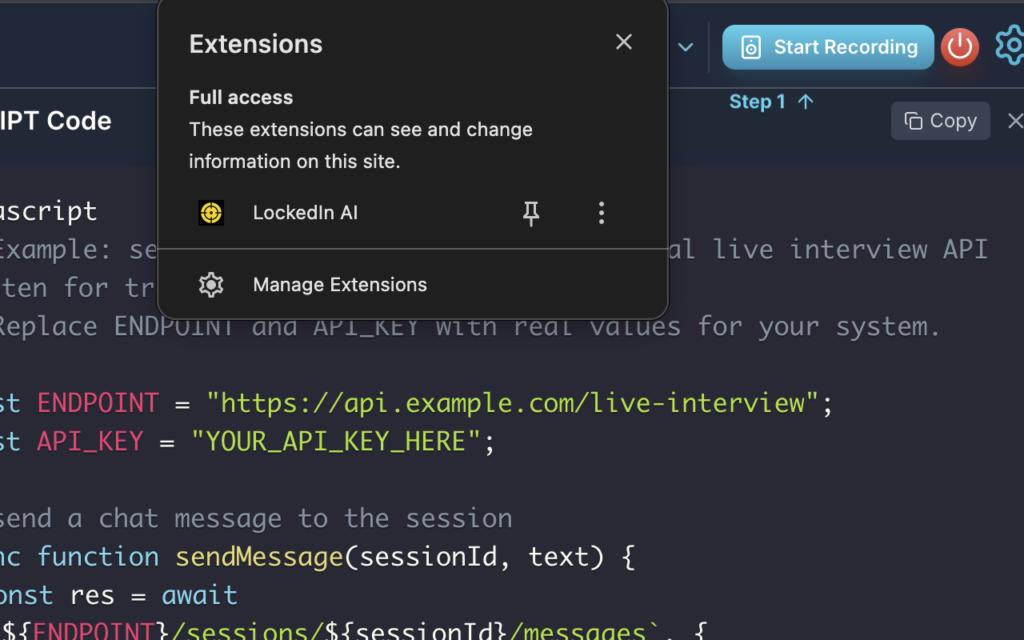
Want to see what other users think? Check out LockedIn AI reviews on Trustpilot to hear real experiences. You can also explore LockedIn AI pricing options to find the plan that fits your needs, or install the LockedIn AI Chrome extension for quick access during your job search.
Frequently Asked Questions (FAQs)
How to use LockedIn AI for interview prep in a simple 7-day plan?
To use LockedIn AI effectively, run a 7-day loop: Days 1–2 baseline mocks and a “gap map,” Days 3–4 build 7 STAR stories and get clarity coaching, Day 5 explain-first → code drills, Day 6 full simulation plus error log, and Day 7 final review plus follow-up templates.
What should I do before I start using LockedIn AI?
Before using LockedIn AI, pick one target role for the next week, write a one-line role statement as an anchor, create a 10-point scoring rubric (clarity, structure, metrics, role fit, signal vs. fluff), and build a small question bank (about 12–15) that matches the interview patterns for your role.
How does LockedIn AI help improve STAR answers and your value proposition?
LockedIn AI works best as clarity coaching: you run each STAR story and ask where the listener gets lost, what impact metrics are missing, and how to sharpen a one-line value prop. The goal is specific, quantified outcomes (latency, revenue, time saved), not generic claims like “improved performance.”
How to use LockedIn AI for technical interviews without sounding unstructured?
Use LockedIn AI with an explain-first → code routine. Start with a 60-second explanation (approach, why it works, time/space complexity), then code in checkpoints (I/O, edge cases, core logic, quick tests). Track a small error list (nulls, off-by-one, wrong data structure) and drill the patterns.
Can LockedIn AI help with ATS keyword matching and resume outcomes?
Yes—indirectly. The same habits that raise interview clarity also help ATS performance: consistent role keywords, clean structure, and measurable impact. When your spoken stories are tight and metric-backed, it becomes easier to translate them into bullet points that parse well and match the job’s keyword expectations.
Recommended Reads