
How to Automate Your Job Search with Claude Cowork
Privacy Note: Before uploading your resume to any AI tool, consider removing sensitive details such as your exact home address or personal phone number. Claude Enterprise offers stricter privacy controls, but individual users should still review Anthropic’s data usage policies before sharing personal documents.
When Anthropic launched Claude Cowork, my first reaction was simple: is this genuinely useful, or just another AI feature that sounds impressive for five minutes? I have tested plenty of tools that claim to automate the job search, and most of them either create more noise or only solve one tiny part of the process.
Claude Cowork felt different.
Instead of acting like a chatbot that only writes text, it behaves more like a workflow partner. It can help you organize files, compare job descriptions against your resume, generate tailored application materials, update trackers, and keep moving through repetitive tasks without constant tab switching.
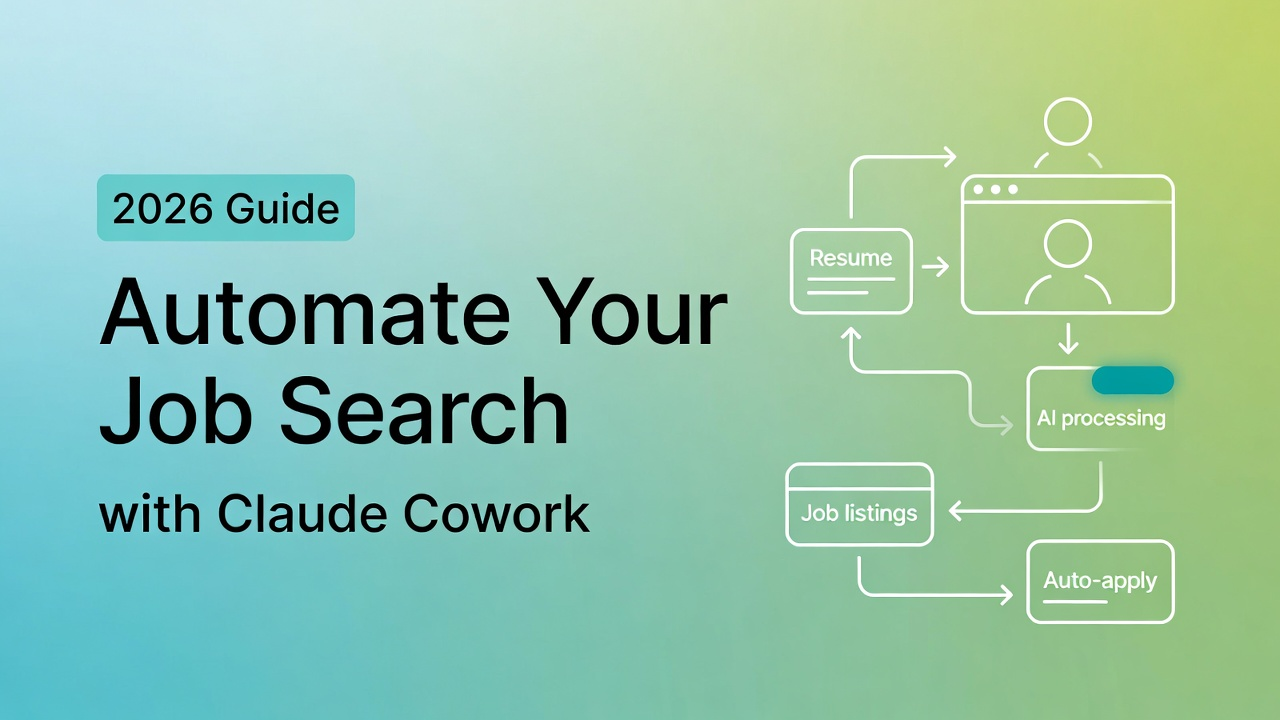
I am Dora, and in this guide I will break down how to use Claude Cowork to reduce application time, improve consistency, and build a job search system that actually holds up under pressure. More importantly, I will show where Cowork helps, where it falls short, and why combining it with a discovery tool like Jobright creates a much stronger end-to-end workflow.
Why Job Search Is a Repetitive Task Problem
Job search is emotional, but the work itself is often mechanical.
You read a role, map your experience, rewrite bullets, export files, upload documents, track status, and follow up. Then you do the same thing again for the next application. That loop is exhausting not because every step is intellectually hard, but because the same operations repeat over and over.
Here is the uncomfortable truth: most people do not need to apply to more jobs. They need to stop doing the same work manually.
The real problem is not effort. It is wasted effort
When you’re anxious, volume starts to feel productive. So you apply to 50, 80, or 100 jobs and hope that one of them works out.
But if each application takes 25 to 40 minutes, that strategy burns entire evenings and weekends on low-leverage work. Over time, quality slips. Resume bullets get more generic. Targeting gets looser. Confidence drops.
If your callback rate is 1–3%, that’s not a “you’re doomed” signal. It’s a metrics signal. According to Indeed’s job application research, most job seekers need to optimize application quality over volume to improve callback rates. You need an optimization problem solved: higher-quality tailoring, cleaner ATS parsing, and better targeting.
Where most time actually disappears
Across software, product, and data roles, the same bottlenecks show up again and again:
- Rewriting resume bullets from scratch instead of adapting a strong base version
- Guessing what an ATS will actually extract from your resume
- Re-exporting, renaming, and re-uploading files for every application
- Starting a tracking sheet but failing to maintain it
- Delaying follow-ups because they feel awkward or time-consuming
If automation can cut each application from roughly 35 minutes to 12 to 15 minutes without reducing quality, the value is not just speed. You also free up time for the work that actually improves outcomes: referrals, networking, interview prep, and negotiation.
| Task | Manual Time | With Claude + Jobright | Time Saved |
|---|---|---|---|
| Analyzing the job description | 5 mins | 1 min | 4 mins |
| Tailoring resume bullets | 20 mins | 5 mins | 15 mins |
| Formatting and exporting | 5 mins | 1 min | 4 mins |
| Drafting a cover letter | 10 mins | 2 mins | 8 mins |
| Total | 40 mins | ~9 mins | ~31 mins |
What Claude Cowork Can Actually Do for Job Seekers
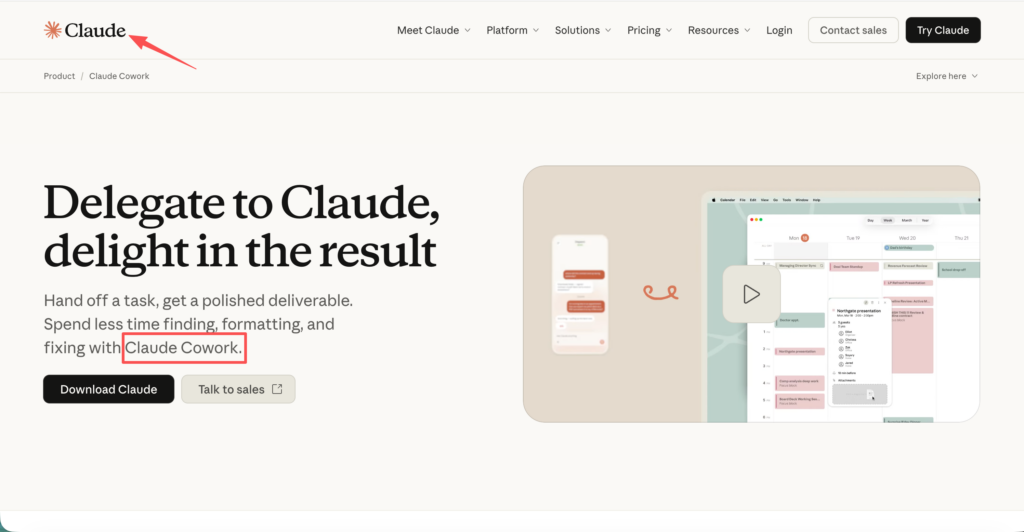
Claude Cowork (from Anthropic) is basically Claude + the ability to carry out multi-step tasks on your computer, like reading files, writing files, and running a workflow while you supervise.
Important note: Cowork isn’t a job board. It won’t magically find roles and apply for you end-to-end. What it can do well is take the repetitive parts you already do and make them faster and more consistent.
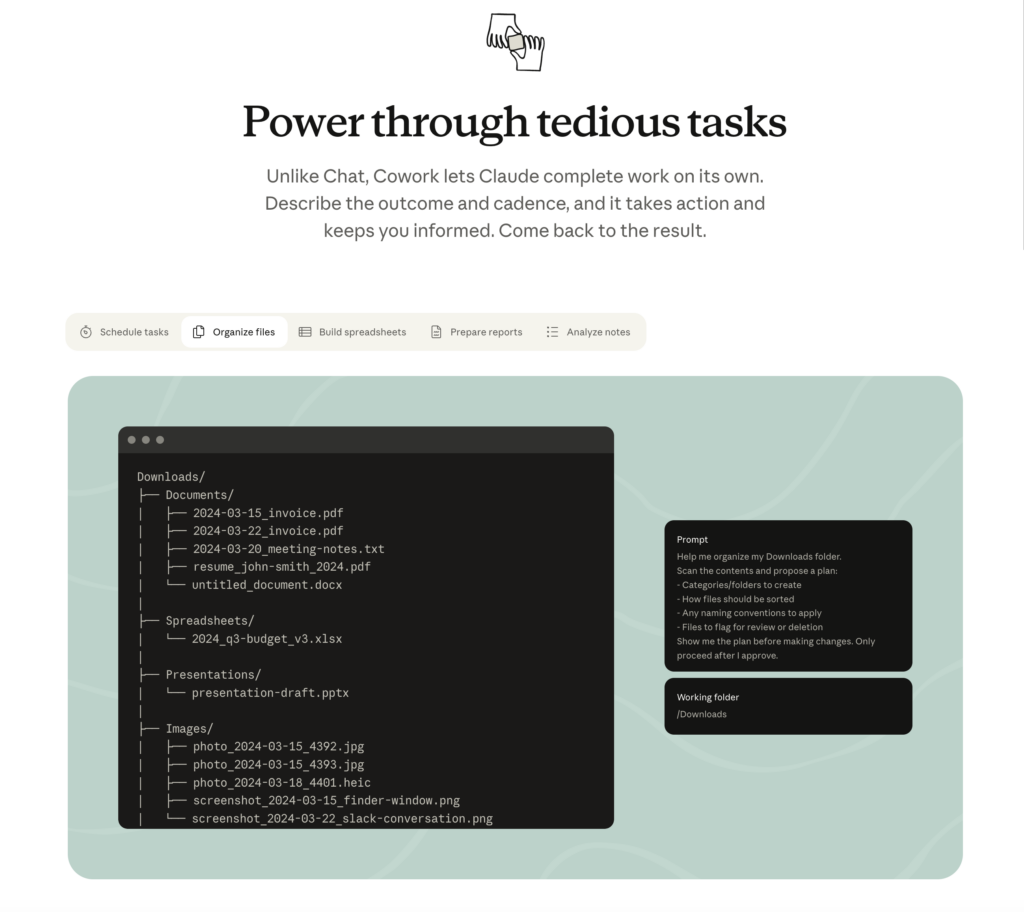
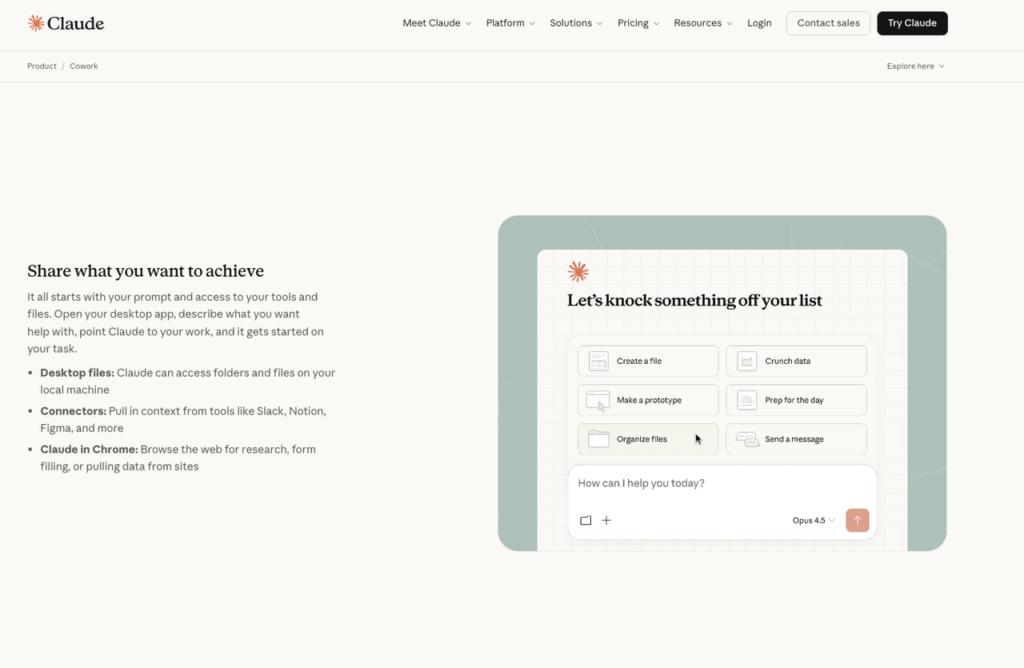
Cowork can read files, write files, compare documents, generate new versions, and help you move from “I should apply to this” to “my application package is ready” with far less switching between tools.
Think of Cowork as an execution layer
At its best, Cowork acts less like a chat interface and more like a lightweight execution layer for your job search workflow.
In practice, it helps you move through a full application pipeline:
- read a job description and extract priority skills
- compare those requirements against your base resume
- suggest targeted edits based on gaps and keyword alignment
- generate a tailored resume version
- save files with consistent naming
- update a tracking system
- draft a follow-up message or cover letter
In other words, it helps you move from “thinking about applying” to a package ready to submit, with fewer context switches.
Why the desktop workflow matters
For job seekers, the biggest win is not just “AI writing.” It is operational consistency.
Job searching creates version chaos fast:
Resume_Final.pdf
Resume_Final_REAL.pdf
Resume_Final_SWE_Google.pdf
Small inconsistencies compound when you are applying to multiple roles under time pressure. Cowork helps reduce that mess by working directly with the files and folders you already use, and by enforcing more consistent outputs:
Resume_Base_SWE_2026.docx
Resume_Tailored_AcmeBackend_2026-03-02.docx
CoverLetter_AcmeBackend_2026-03-02.md
This may seem minor, but in practice it reduces mistakes and friction when your application volume increases.
Parallel task handling (sub-agents, simplified)
Another important capability is how Cowork handles parallel work.
Instead of forcing you to move step by step, it can break the process into concurrent tasks. You can think of it as assigning multiple roles at once:
- Intern A: scan the job description and list required skills
- Intern B: scan your resume and list matching proof points
- Intern C: draft bullet edits and quantify impact
Then Cowork merges the results into a single output.
This matters because job search is made up of many small, independent tasks. Parallel execution does not replace your judgment, but it reduces the drag between steps and increases throughput without forcing you into constant context switching.
Workflow 1: Auto-Tailor Your Resume for Each Role
This is the highest-ROI use case for most people.
If your applications are getting filtered out by ATS systems, the problem is often not your actual experience. It is how your experience is framed, ordered, and parsed. The goal is not to stuff in keywords. The goal is to improve clarity and match while staying honest.
A prompt structure that works
Use a prompt that is simple, explicit, and repeatable:
Read this job description: [paste JD].
Read my base resume file: [filename].
Create a tailored version for this role with ATS-friendly formatting.
Rules:
- Do not invent experience.
- Keep it to one page unless my base resume is already two pages.
- Optimize keyword match using only skills that actually appear in the JD.
- For every edited bullet, explain the change briefly.
- Quantify impact only when the metric is real.
- Keep my tone direct and professional.
Output:
- A tailored resume draft.
- A keyword gap list (what the JD asks for that I don’t show).
- A short ATS risk list (formatting or parsing issues).
One practical note: if you want ATS-friendly output, explicitly tell Cowork to avoid tables, text boxes, and multi-column layouts. Those formats still cause parsing issues in many systems.
Review before you send anything
This part is not optional.
AI can improve speed, but it can also quietly lower your credibility if you do not review the result carefully. My quick checklist:
- Truth check: Did it add anything you could not defend in an interview?
- Alignment check: Do the most important JD keywords appear naturally in the top half of the resume?
- Metrics check: Are all numbers real and supportable?
- Role fit check: Does the resume still sound like you, or does it read like a keyword list?
- Parsing check: Does the exported PDF still look clean when reopened?
If you need visa sponsorship, add one more verification point: make sure your work authorization line is clean, factual, and easy to understand.
Workflow 2: Build a Job Tracking System That Survives Real Life
Most people start a tracker. Very few maintain it.
That is usually not a motivation issue. It is a system design issue. If the tracker adds friction, it gets abandoned the moment job search becomes stressful.
Cowork can help build a structure that is simple enough to maintain:
JobSearch_2026/
  00_Admin/
  01_Resumes_Base/
  02_Resumes_Tailored/
  03_CoverLetters/
  04_Applications/
  05_FollowUps/
It can also generate a tracker with columns that actually matter:
- Company
- Role
- Location / Remote
- Visa sponsorship (Yes/No/Unknown)
- Source (referral, LinkedIn, Jobright, etc.)
- Date applied
- Status
- Recruiter name and contact
- Referral or insider connection (name + how you know them)
- Next action date
- Notes (name + how you know them)
Once that tracker is maintained consistently, it becomes useful data instead of just admin work. You can see where your funnel breaks:
- Applications to recruiter screens
- Screens to interviews
- Interviews to offers
That is how you improve the process with evidence instead of guesswork.
Use Cowork for follow-ups too
Follow-ups feel small, but they are one of the easiest places to lose momentum.
Cowork can draft:
- A short check-in after seven days
- A thank-you note after an interview (“Thanks + one highlight + availability”)
- A referral request that sounds natural instead of awkward
The best follow-ups are usually brief, specific, and tied to the role. One sentence that anchors your value to the team is often enough.
Where Claude Cowork Has a Real Gap
Cowork is strong at execution. It is weak at discovery.
That matters because discovery is half of job search. Before you tailor anything, you still need to identify roles that are actually worth pursuing.
No job database, it can’t find roles for you
Claude Cowork doesn’t come with a job database. It won’t:
- monitor fresh postings across job sites
- filter roles by sponsorship likelihood
- rank openings by match quality
- alert you when a target company posts a new role
So if your current process is still “open LinkedIn and scroll until your brain shuts off,” Cowork will not solve that part.
Why a dedicated job search tool still matters
If you spend most of your time tailoring for roles that are not a strong fit, automation only helps you waste time faster.
According to LinkedIn’s 2026 Talent Research, job seekers who apply to well-matched roles see significantly higher response rates compared to those using a mass-apply approach. A dedicated tool like Jobright can help with:
- match scoring (role ↔ your profile)
- sponsorship flags or company history
- better search filters
- saving roles cleanly
Then Cowork becomes the execution engine for the jobs that are actually worth your time.
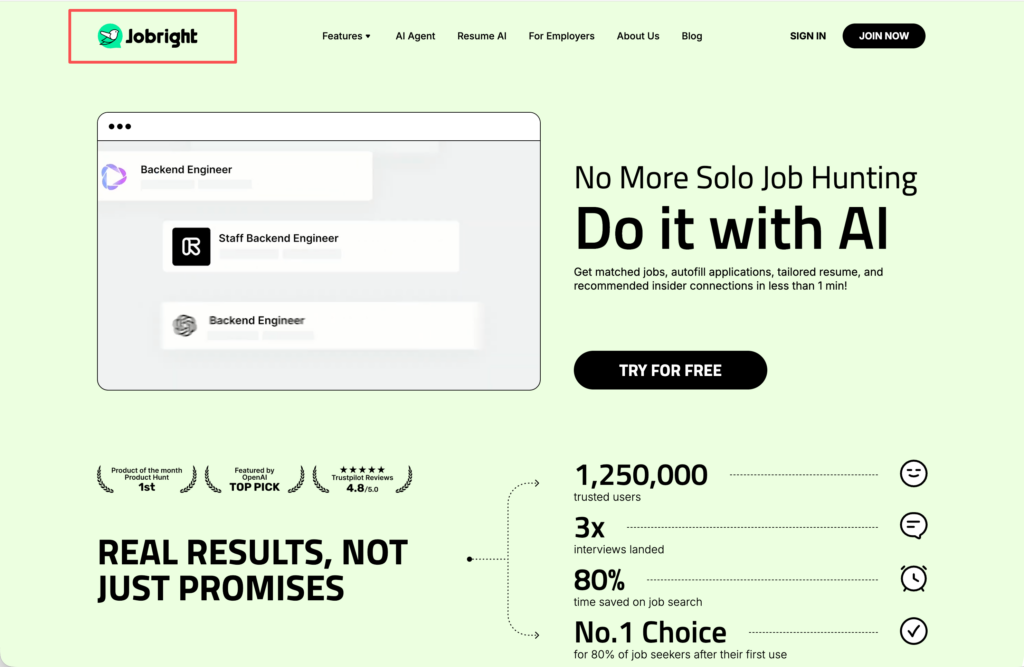
That is also where the product transition becomes natural. Jobright is not replacing Cowork, and Cowork is not replacing Jobright. They solve different parts of the same workflow.
The Full AI Job Search Stack: Cowork + Jobright
This is the workflow I would actually recommend in practice: use Jobright for discovery and prioritization, then use Claude Cowork for tailoring, packaging, and tracking.
Step 1 — Use Jobright to find roles worth applying to
Start with clear rules around title, level, location, and any sponsorship constraints.
Then use Jobright to:
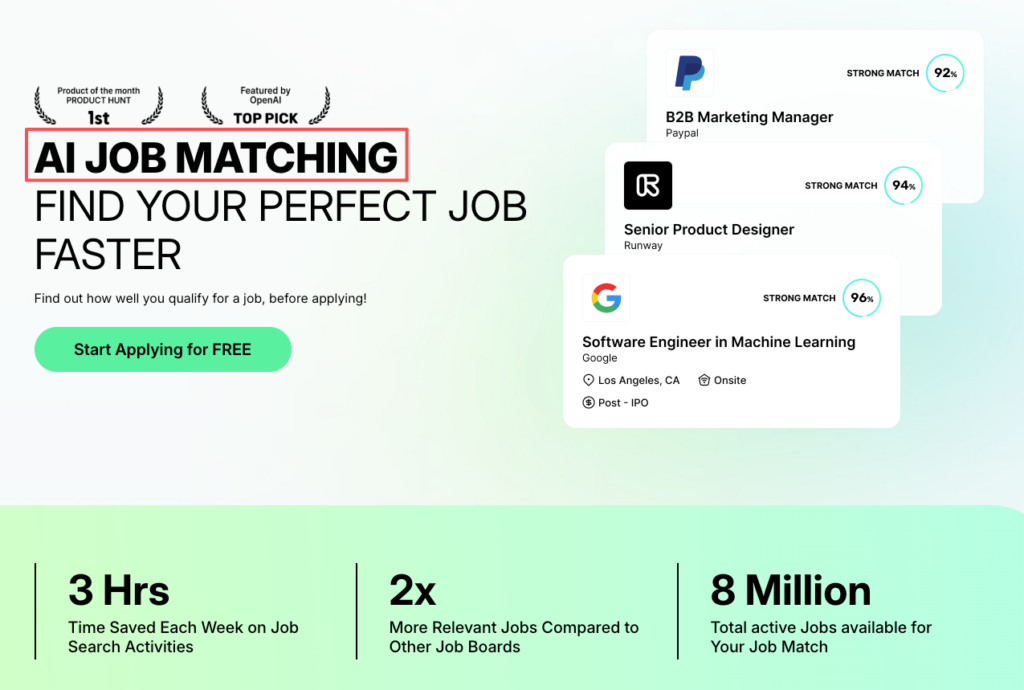
- find roles that match your background
- reduce noise (fewer irrelevant postings)
- prioritize roles where your experience aligns
That does two things at once: it reduces noise, and it makes every later automation step more valuable.
Step 2 — Feed role description into Cowork to tailor resume
Once you identify a role worth pursuing:
- paste in the job description
- point Cowork to your base resume
- generate a tailored version
- create a keyword gap list
- draft a cover letter if needed
This is where Claude desktop workflow saves the most time. It turns one selected opportunity into a clean, submission-ready package much faster than doing every step manually.
One more tough-love note: don’t tailor 10 versions at once if you can’t review 10 versions. Speed without review creates silent errors.
Step 3 — Track everything with Cowork-generated sheet
After you apply, update your tracker immediately.
Even better: ask Cowork to do it as part of the workflow:
- create the tailored resume file
- save with a consistent name
- add a new row to the sheet
- generate a follow-up draft scheduled for day 7
That’s the difference between “I’m trying to be organized” and an actual system.
When you run this stack, you’re building leverage:
Over a month, that feedback loop is what moves your metrics.
Limitations and Honest Expectations
If you want a perfect tool, you’ll end up using none.
But you also shouldn’t trust automation blindly, especially with job applications where small mistakes cost interviews.
Cowork is still research preview, bugs exist
When I tested Claude Cowork, it felt powerful, but not polished like a consumer app.
Expect:
- occasional workflow hiccups
- permission prompts
- moments where it misunderstands a step and you need to restate it
That’s normal for a research preview. Plan for a little friction.
Accuracy: always review AI output before sending
This is the rule I want you to tattoo on your process:
AI drafts. You approve.
Cowork can help with ATS optimization, but it can also:
- overfit keywords
- soften technical language
- guess metrics
- make your resume read like a template
Your fix is simple: keep a tight review checklist (truth, alignment, parsing, tone). If something feels off, it is.
Not suitable for low-tech users (desktop install required)
Cowork is not a “tap one button on your phone” tool.
If you hate desktop setup, file systems, and managing versions, this may feel like extra work.
But if you’re a tech professional who already lives on a laptop, and you want job application automation in 2026 that’s more than generic resume rewriting, Cowork is worth a serious look.
If you’re like me and you care about getting your time back while staying honest, this is worth trying. But skip it if you expect it to find jobs, apply everywhere, and fix the application black hole by itself. You still need strategy. Cowork just makes the strategy easier to execute.
Frequently Asked Questions
How can I automate job search with Claude Cowork without mass applying?
To automate job search with Claude Cowork, use it to standardize repetitive steps: compare a job description to your base resume, generate an ATS-friendly tailored version, save clean file names, update a tracking sheet, and draft follow-ups. It boosts quality applications per hour—without relying on low-signal volume.
What can Claude Cowork actually do for job search automation in 2026?
Claude Cowork can run multi-step desktop workflows you supervise: read a job description, edit and version your resume, create keyword-gap and ATS-risk lists, write cover letters, update a tracker, and draft follow-up messages. It’s an execution engine for job application tasks, not a job board.
How do I use Claude Cowork for ATS-friendly resume tailoring?
Paste the job description, point Cowork to your base resume, and request a tailored version with rules like “don’t invent experience,” “keep formatting simple,” and “avoid tables/text boxes.” Ask for a keyword gap list and ATS risk notes. Then review for truth, keyword alignment, metrics accuracy, and PDF parsing.
Can Claude Cowork find jobs and apply for me end-to-end?
No. Claude Cowork doesn’t include a job database, so it won’t scan new postings, filter by visa sponsorship, rank roles, or auto-apply across sites. It helps after you’ve chosen a role by speeding up tailoring, packaging, tracking, and follow-ups—while you still control targeting and submissions.
What’s the best workflow to automate job search using Claude Cowork + a discovery tool like Jobright?
Use Jobright to find and prioritize roles that match your profile (and sponsorship needs if relevant). Then feed the job description into Cowork to generate a tailored resume, save versioned files, update your tracker, and draft a day-7 follow-up. This separates targeting from execution for faster learning loops.