Author: jobright

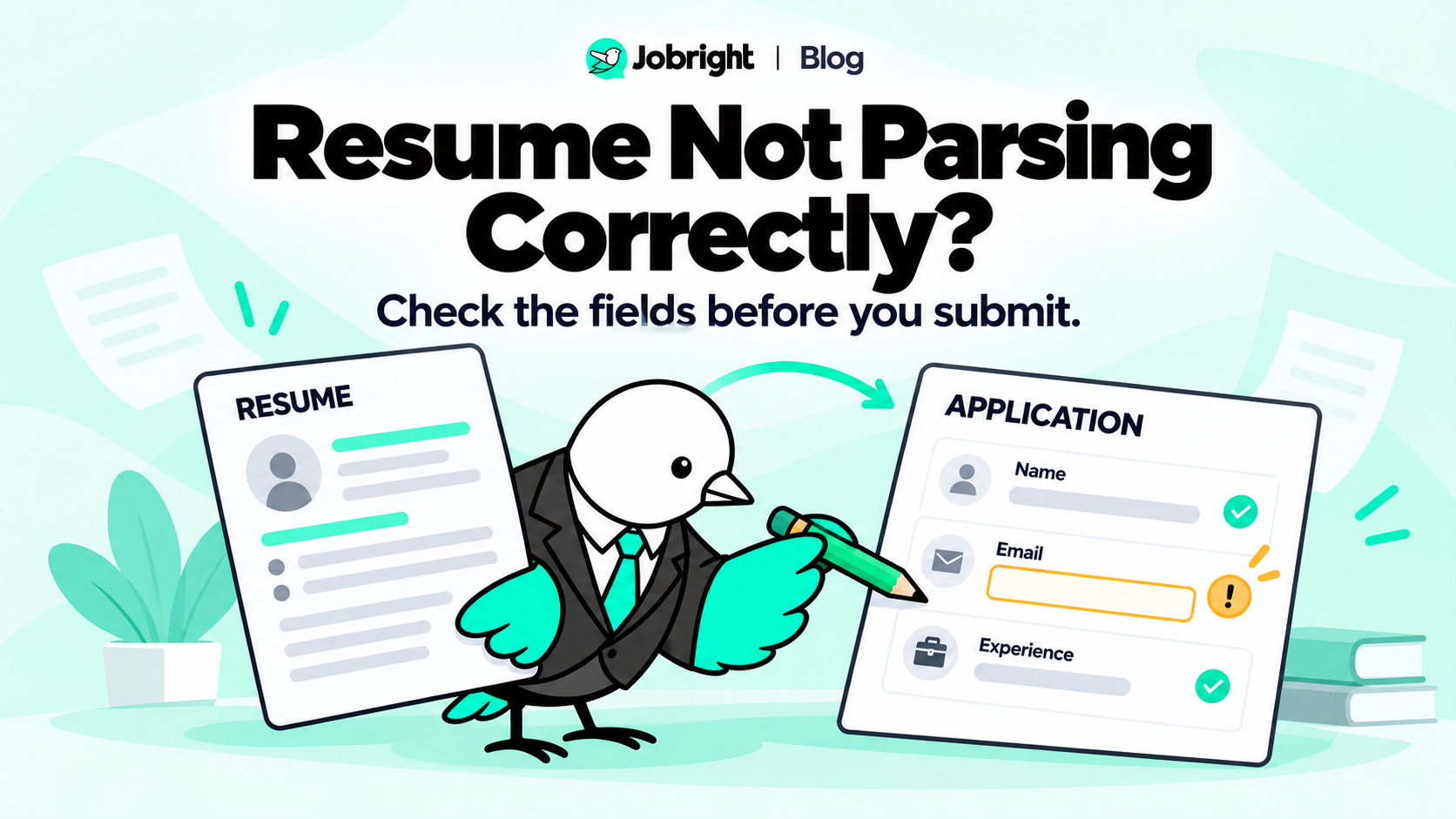
Why Is My Resume Not Parsing Correctly? Common Errors and Fixes

You upload your resume, but the application leaves out your email, mixes sections together, or places information in the wrong fields. The file may look fine on your screen. That does not explain what happened during import. If your resume is not parsing correctly, identify the specific missing or incorrect information before changing the document. Check the exported file, try a simpler presentation where needed, and review the actual application fields before submitting. A parsing problem describes an information-extraction issue.…
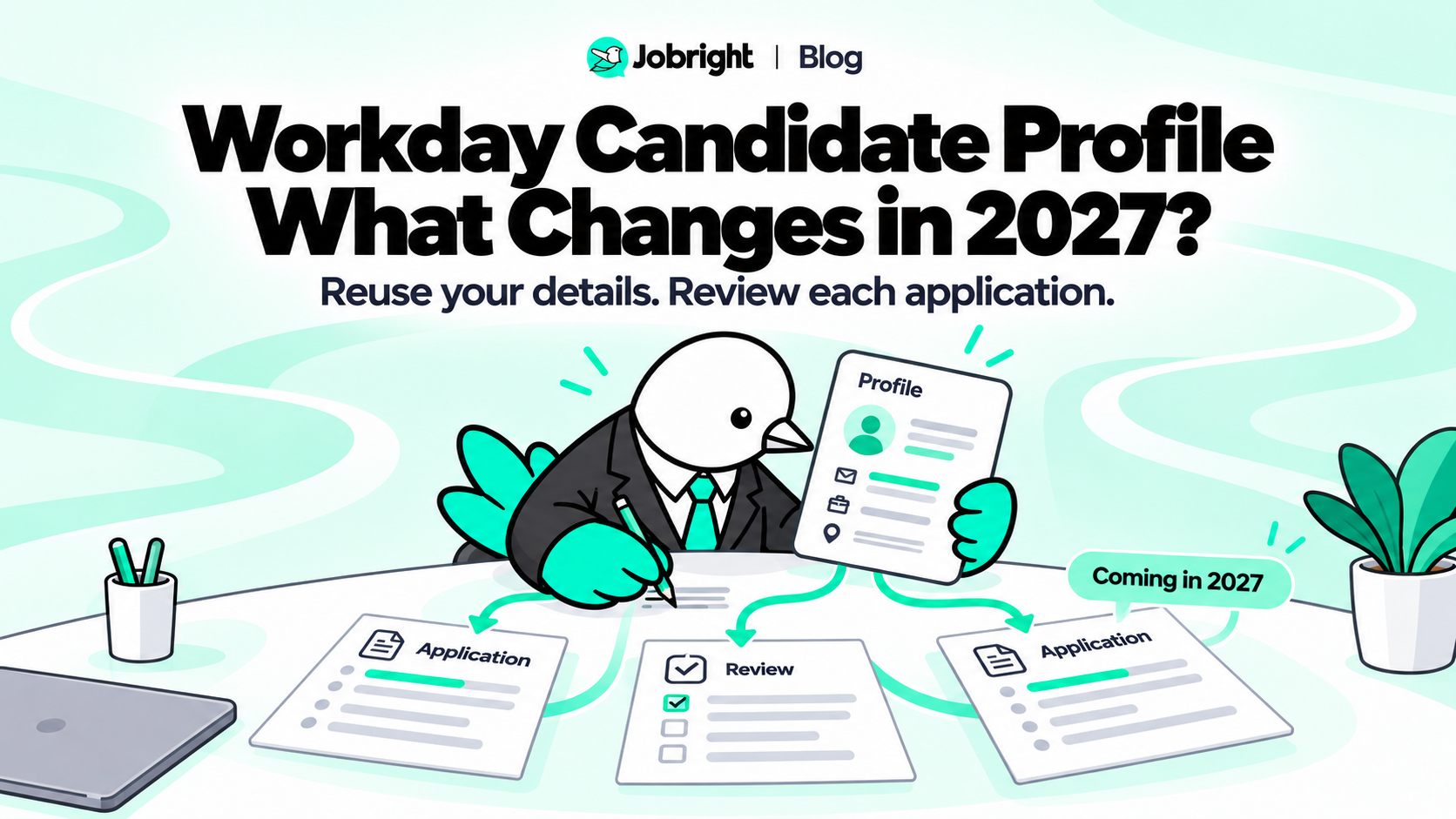
Workday Candidate Profile: What Changes for Job Seekers in 2027?

You find a promising job, click Apply, and encounter another form asking for information already on your resume. Workday has announced a change aimed at reducing that repetition. Workday Candidate Profile is a reusable, candidate-controlled profile intended to help populate applications across participating Workday-powered career sites. As of October 30, 2026, Workday says rollout is targeted to begin gradually in early 2027—not that the feature is already available everywhere. The announcement could make application preparation less repetitive. It does not…

What Is a Good Resume Match Score? How to Interpret Your Results

Your resume checker returns a score of 78%. Another tool gives the same application a different result. Should you keep editing, apply now, or look for a better-fitting role? There is no single resume match score you should treat as a pass mark across tools and employers. A useful result depends on what the tool measures, which requirements remain unresolved, and whether your resume accurately represents your qualifications. Some tools publish their own targets. For example, Jobscan’s current website recommends…

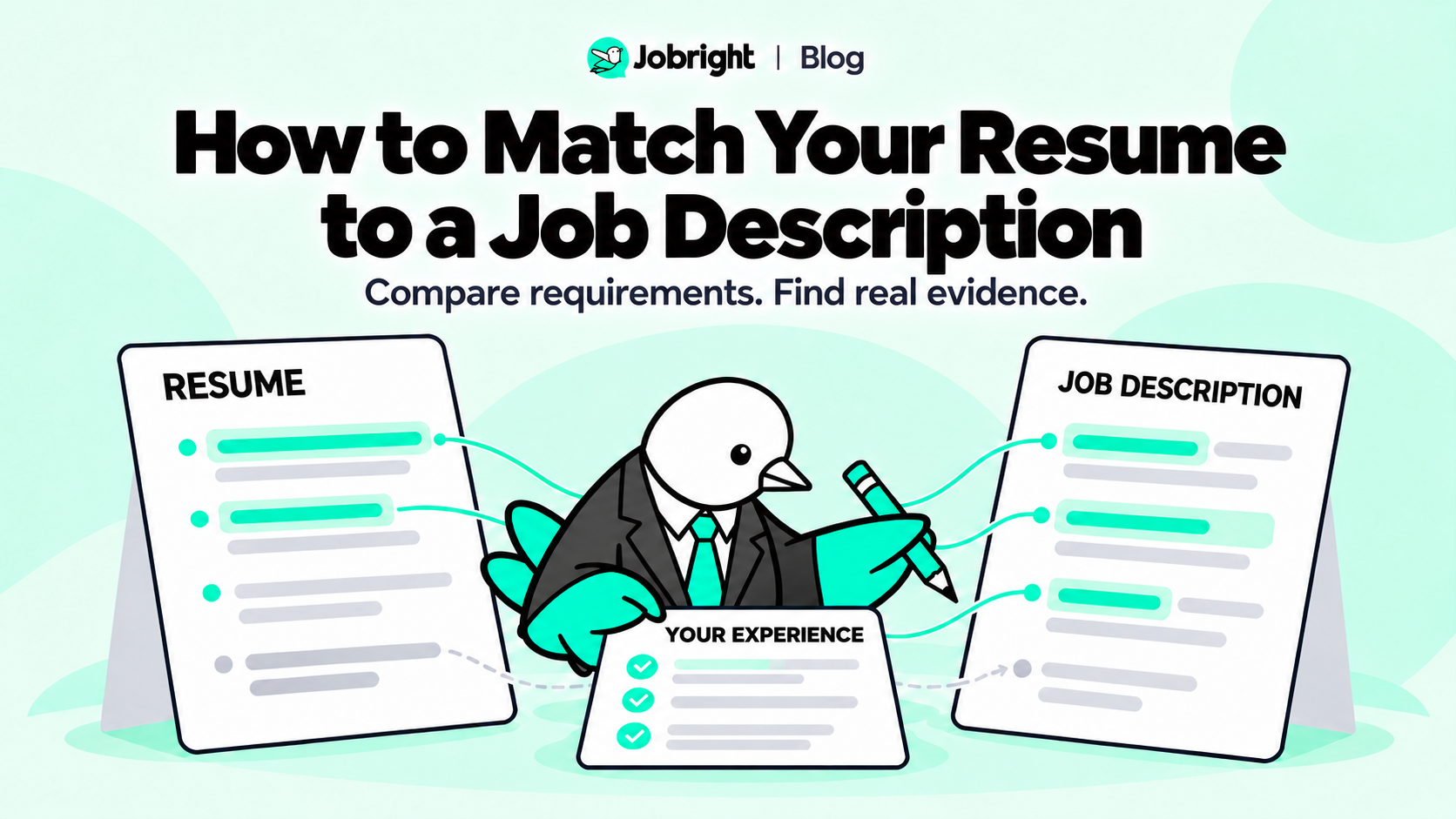
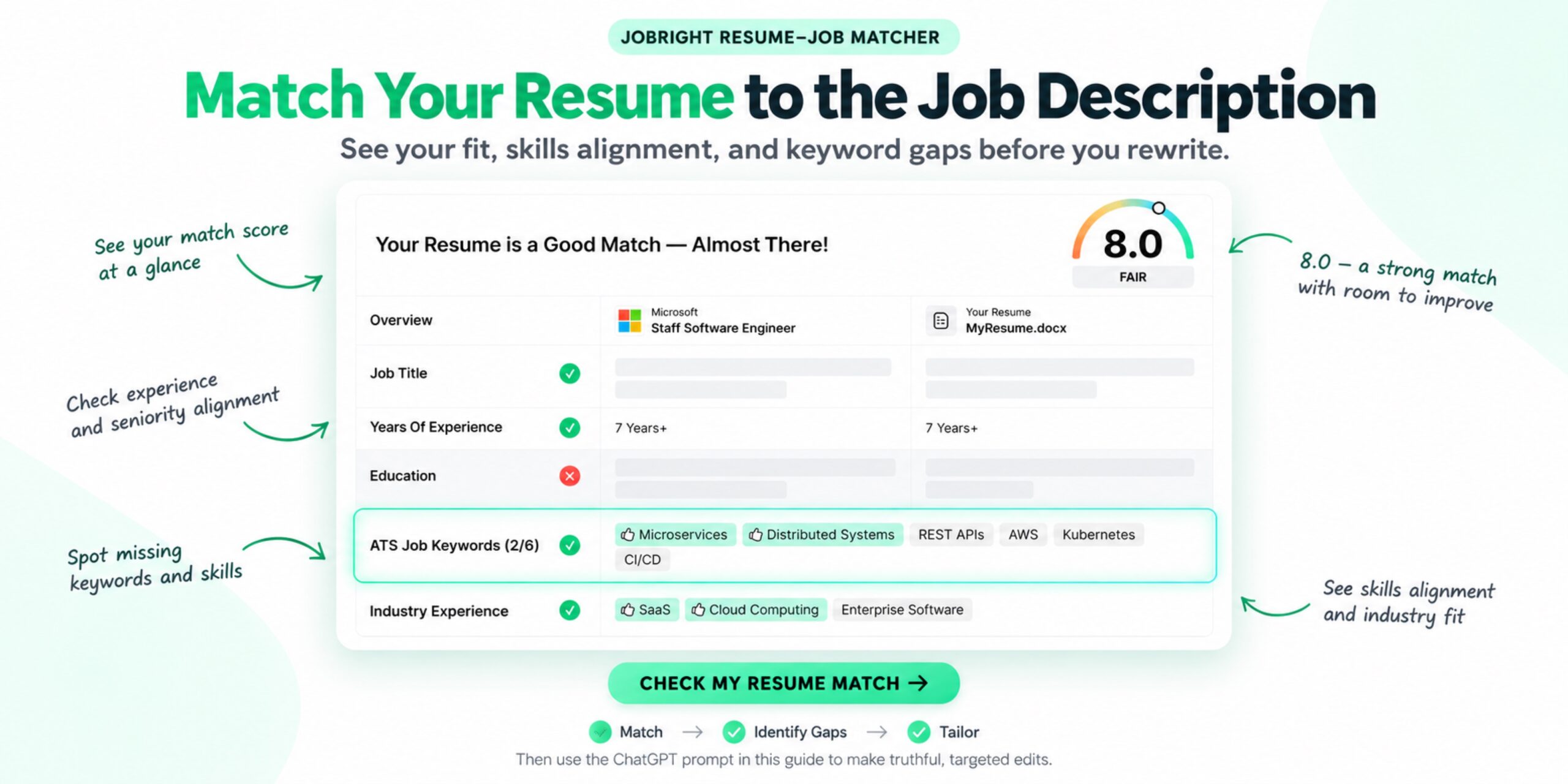
How to Match Your Resume to a Job Description

You find a role that looks promising. Your resume includes related experience, but the job description uses different language—and asks for a few things you have not done. Should you rewrite your resume, add more keywords, or move on? To match your resume to a job description, compare the role’s requirements with evidence from your actual experience. Clarify relevant work that is hard to see, verify missing details, and leave genuine qualification gaps visible. You do not need to make…

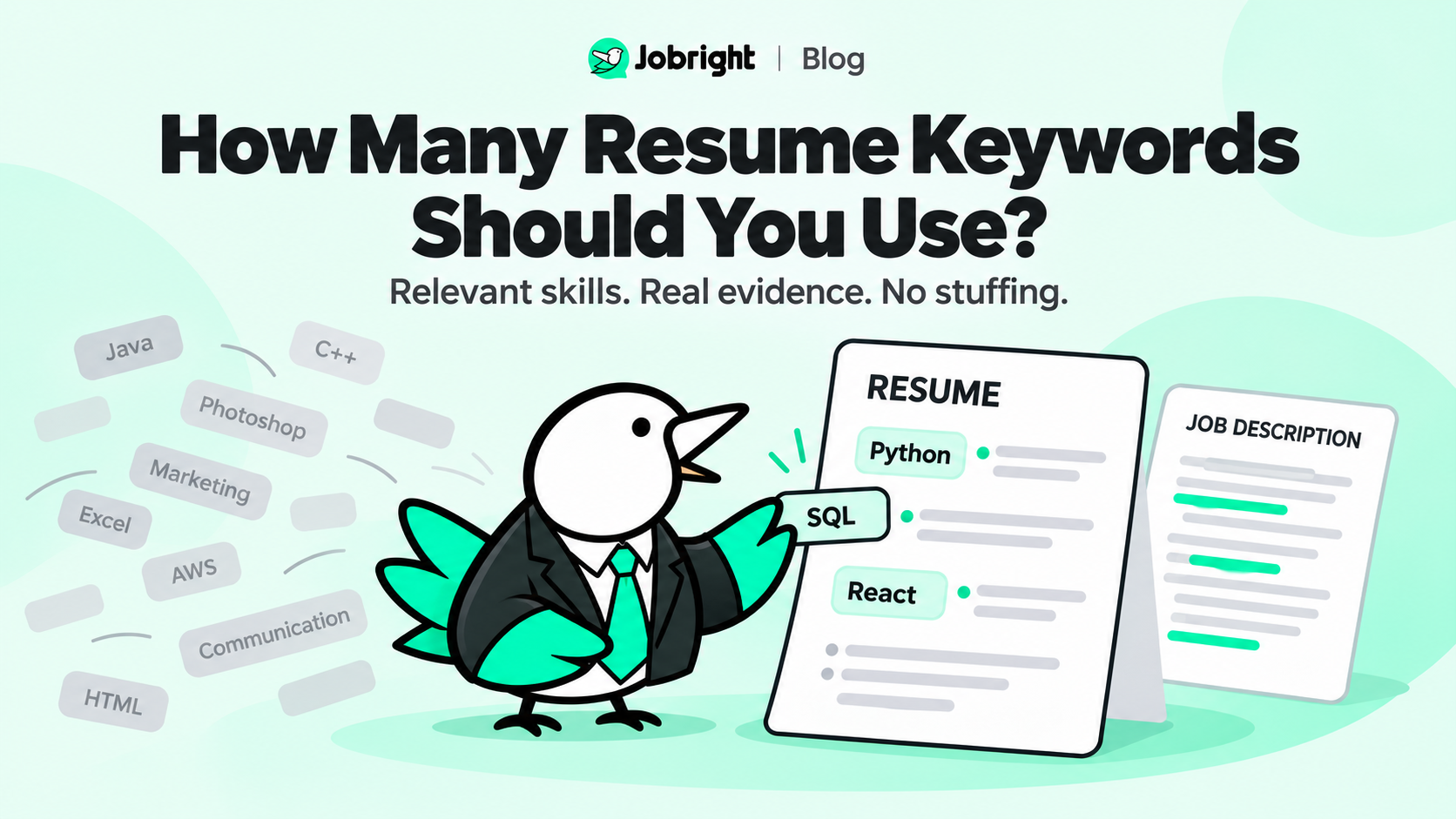
How Many Resume Keywords Should You Use?

You have a job description, a resume, and a list of skills the employer wants. Should you include every keyword? Repeat the most important ones? Aim for a particular match percentage? There is no universal number of resume keywords you need to include. The right selection depends on the role, the requirements, and the experience you can honestly demonstrate. Instead of targeting a keyword count, focus on this question: Does your resume clearly show evidence for the job’s most important…

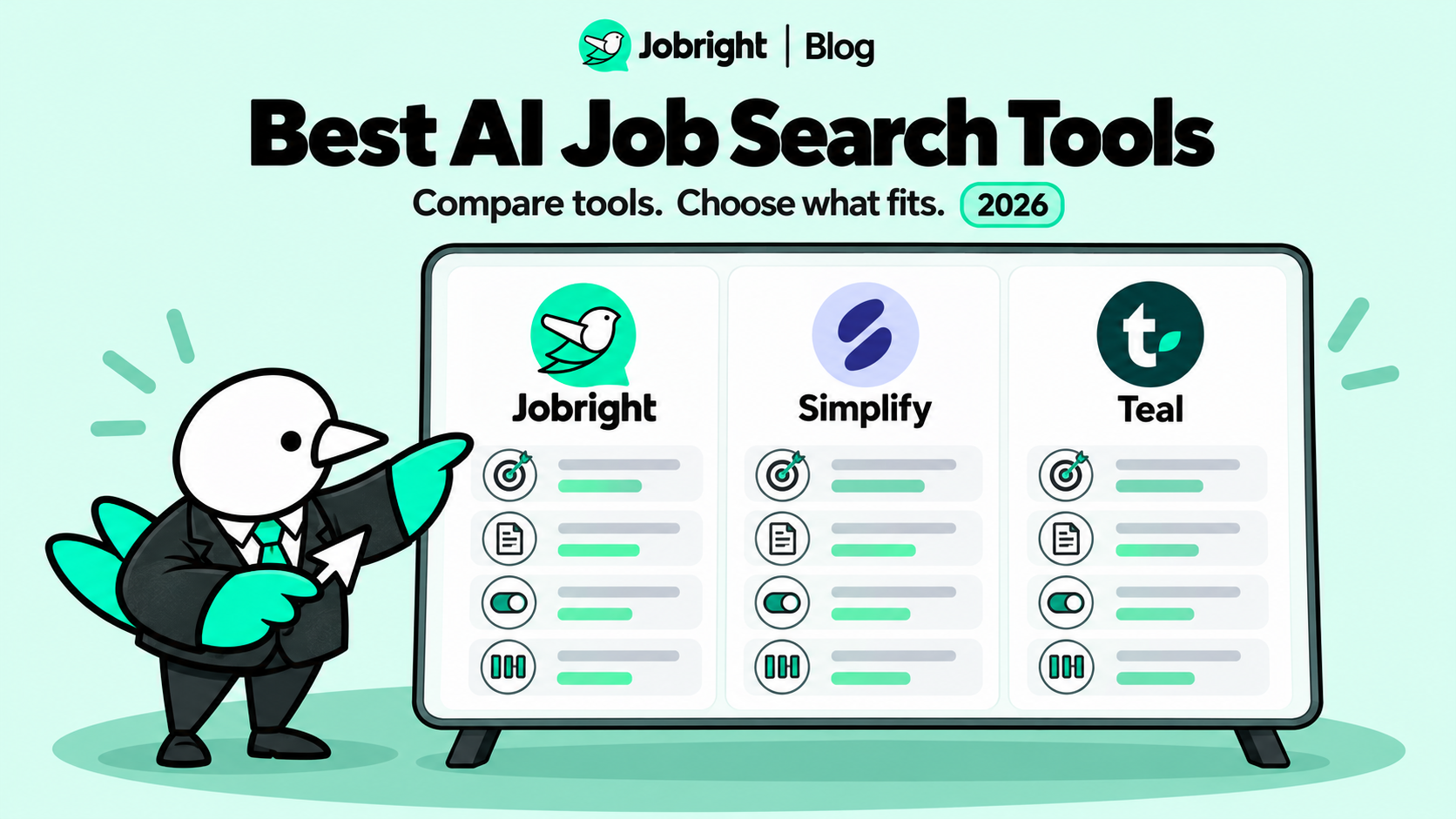
Best AI Job Search Tools in 2026: 3 Tools Compared

If your job search is starting to feel like a numbers game, an AI tool that promises to send more applications can sound appealing. But more applications do not automatically mean a better search. A weak match, an outdated profile answer, or an application you cannot review can create extra work—or represent you inaccurately. The best AI job search tools for a quality-first workflow help with specific tasks: finding relevant roles, comparing your experience with a job description, preparing application…

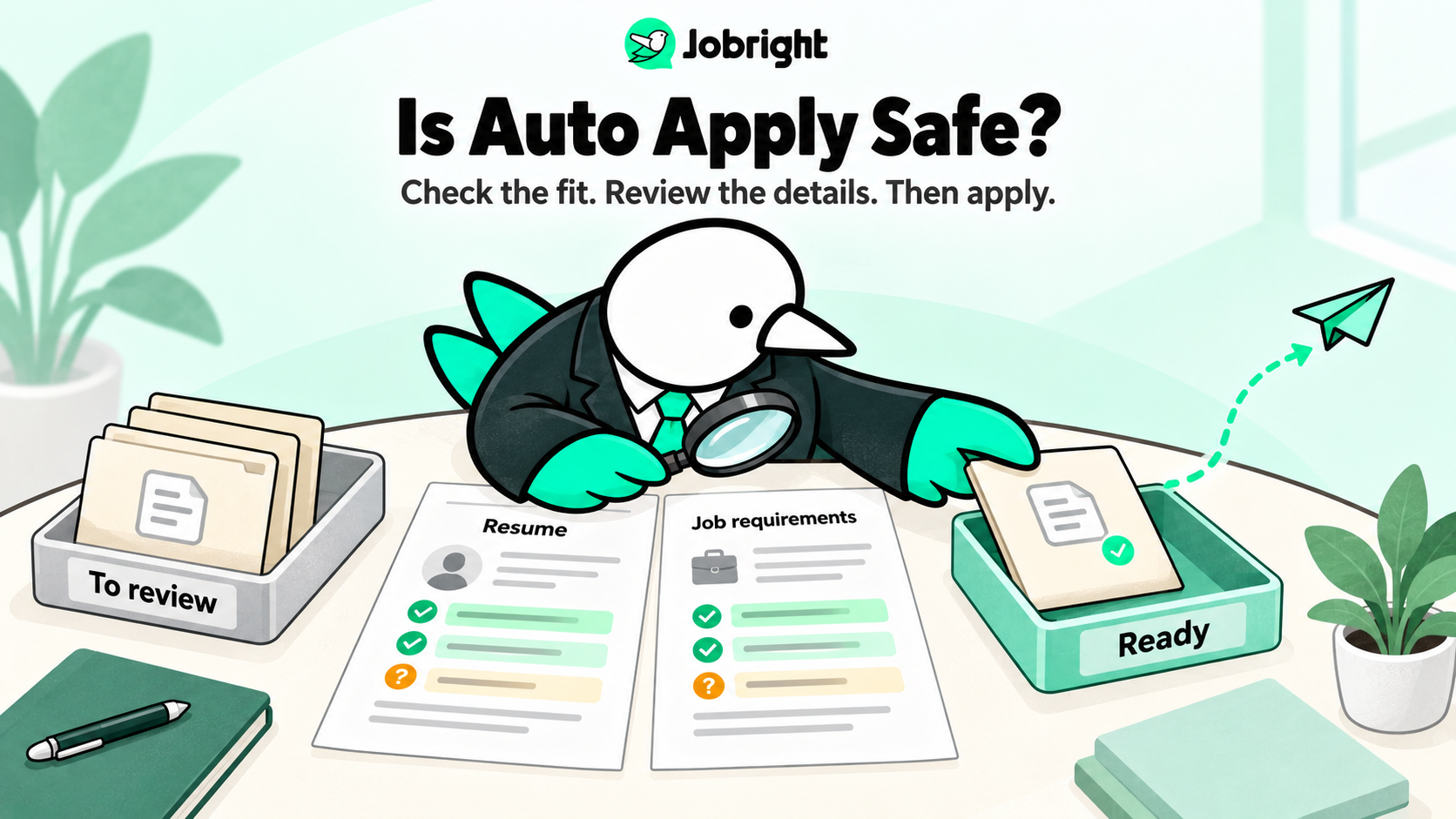
Is Auto Apply Safe? What to Know Before Using AI to Apply for Jobs

AI auto apply can be safe to use, but safety depends on the tool, the access you give it, the quality of its job matching, and how much control you keep over each application. A responsible auto-apply workflow should reduce repetitive work without sending inaccurate information, applying to unsuitable roles, or hiding what was submitted in your name. If you are asking, “Is an AI job application safe?” start by checking whether the tool only fills forms or can submit…

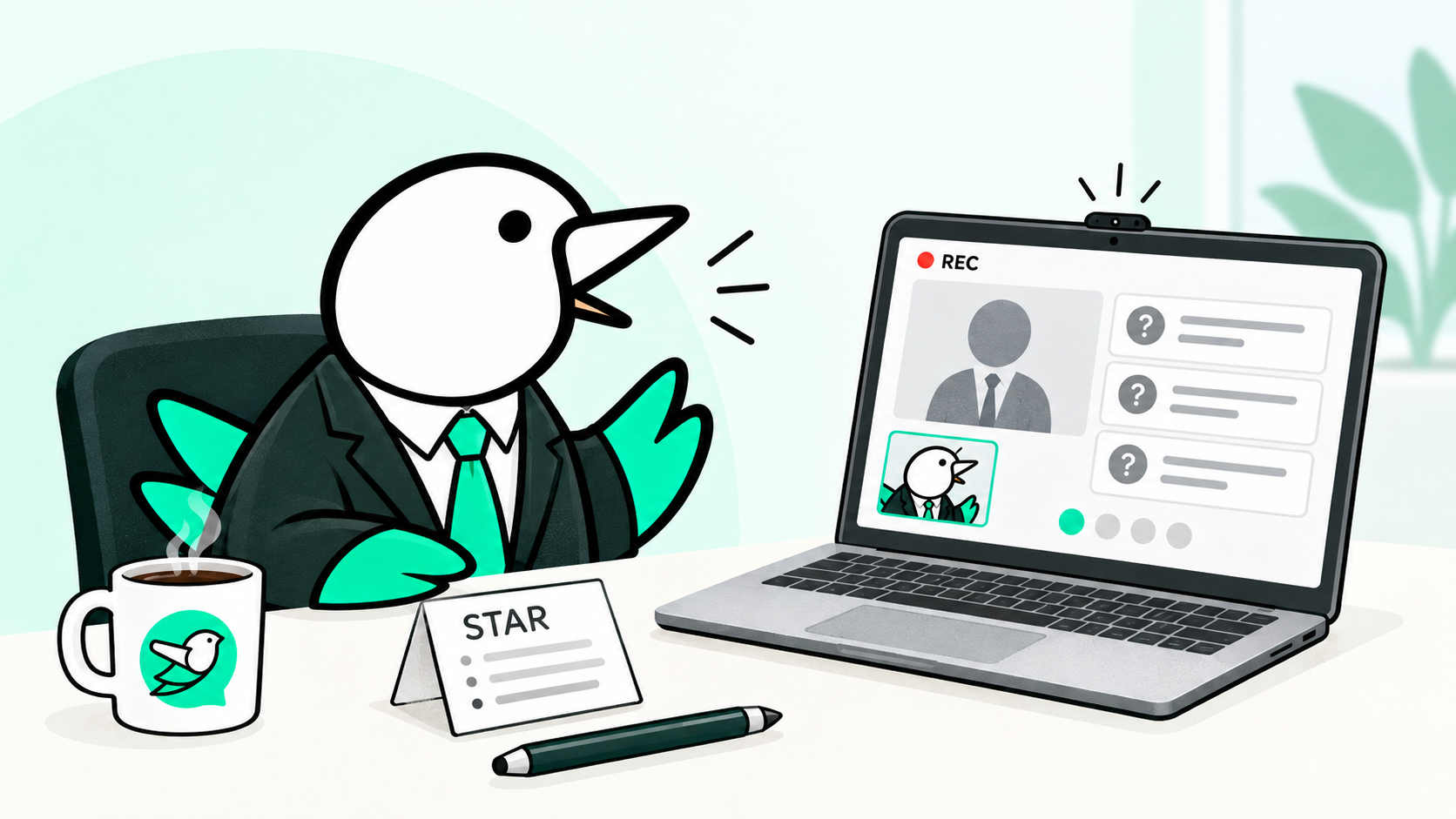
AI Interview Questions: What to Expect & How to Prepare in 2026

More employers are using AI interviews to screen candidates before a human interview. If your next interview is with an AI interviewer, here’s what to expect, what it may evaluate, and how to prepare. An AI interview can feel unfamiliar because there may be no recruiter on the other side of the screen. You may record answers on your own time, respond to a chatbot, or complete a structured interview in which the software asks the same core questions of…

ChatGPT Prompt to Tailor Your Resume to a Job Description

Sending the same resume to every employer is convenient—but it can hide the experience that makes you a strong fit for a specific role. ChatGPT can help you tailor your resume to a job description by comparing the two documents, identifying the most relevant requirements, and improving how your existing experience is presented. The key is to give it clear constraints. You do not want ChatGPT to invent a stronger candidate. You want it to make your real qualifications easier…

20 ChatGPT Prompts for Job Interviews to Practice Smarter

ChatGPT can help you prepare for an interview—but “help me prepare for an interview” usually produces generic advice. A better prompt gives ChatGPT the job description, your resume, the company, the interview stage, and one specific task. That context helps it generate more relevant questions, find stronger examples from your background, and give useful feedback on your answers. Below are 20 ChatGPT prompts for job interviews that you can copy, customize, and use right away. Short answer: The best interview…