
Best AI Interview Assistants in 2026: LockedIn AI vs Alternatives (Pick by Scenario)
Table of Contents
Candidates who use the best AI interview assistants in 2026 strictly for prep are seeing massively higher offer conversion rates. But those relying on a real-time interview AI during live calls? They’re getting flagged and rejected faster than ever. I’ve spent the last month analyzing the data and running mock loops to see exactly where the failure points are. My name is Dora, and I don’t deal in tech hype—I deal in measurable hiring outcomes. Today, we are comparing LockedIn AI with safer, higher-ROI alternatives across five distinct interview scenarios. If you want to know exactly how to leverage an AI interview assistant to compress your prep cycle without risking your professional reputation, you’re in the right place. Let’s look at the actual data.
The 5 scenarios (prep-only / behavioral / coding / take-home / phone)
Think of an ai interview assistant like a GPS. It’s useful when you already know how to drive. But if you don’t understand the rules, it can route you straight into a closed road.
According to SHRM’s 2025 Talent Trends research, hiring teams are under increasing pressure to identify authentic candidates—making it more important than ever to understand where AI assistance helps versus hurts.
Here are the five scenarios I see most in tech hiring, and what “AI help” usually means in each:
1. Prep-only (before the interview)
This is the safest and highest ROI. Use a mock interview ai to drill your STAR stories, quantify impact, and tighten your keyword match to the role. Your conversion rate improves because you sound structured, not because you “cheated.”
2. Behavioral (live, camera on)
This is where an interview copilot tempts people. You want calmer answers in real time. But anything that looks like reading, pausing oddly, or eye-line drifting can tank trust fast.
3. Coding (live LeetCode / shared editor / whiteboard)
A coding interview assistant can help you when you’re stuck. But many companies treat real-time assistance as outside help. The algorithmic thinking is the point, not just the final code.
4. Take-home assignment
AI can be acceptable here if disclosed or used responsibly. The line is usually: AI for brainstorming/tests/cleanup is fine: AI writing the core solution without understanding is not. Your reviewer can tell when the code style doesn’t match the reasoning.
5. Phone screen (audio only, often recruiter first)
This is deceptively risky. It feels “casual,” so people rely on notes or AI prompts. But recruiters listen for coherence and alignment. If you sound like you’re parsing a script, it’s noticeable.
Recruiters won’t tell you this, but… the safest win is still prep. Live assistance is where people get themselves in trouble.
LockedIn AI fit by scenario (wins + misses)
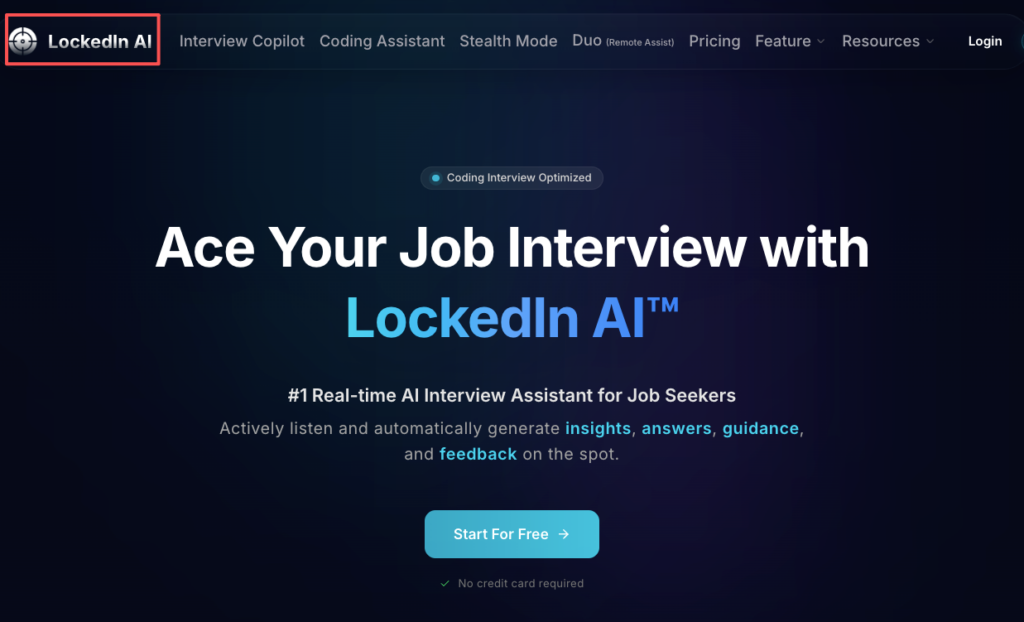
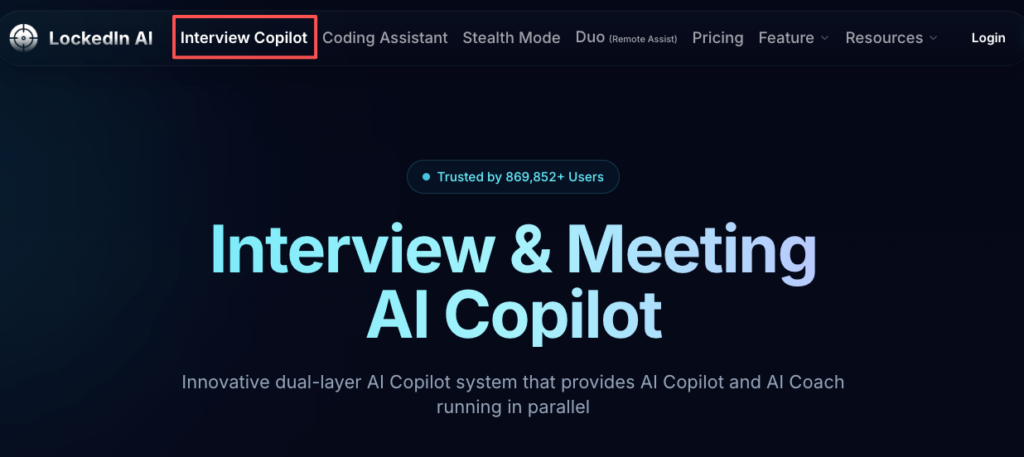
So, this week I played with LockedIn AI the way my clients actually would: under time pressure, with messy notes, and with that “please don’t let me blank” feeling. If you want a full breakdown of how the tool works, this LockedIn AI overview from Jobright gives a solid starting point.
Where LockedIn AI wins
- Prep-only practice (best fit): I used it to generate follow-up questions, then forced myself to answer out loud. The value wasn’t the output, it was the repetition. That’s how you reduce rambling and improve signal.
- Behavioral structure: When I fed it a rough story, it helped me tighten the sequence: context → action → metrics → learning. If you already have the raw material, it can help with optimization.
- Faster iterations: If you’re doing 10 interviews in 3 weeks (common for international candidates racing timelines), speed matters. Tools can compress your prep cycle.
Where it misses (or gets risky)
- Live behavioral “copilot” use: This is the danger zone. If you try to use it as a real time interview ai and you start reading, your delivery changes. I noticed my own tone flatten when I glanced at suggested phrasing. That’s a trust leak.
- Deep technical interviews: For system design or debugging, generic suggestions can sound smart but fail under cross-exam. Interviewers probe your mechanism: tradeoffs, constraints, why-now decisions. If you can’t defend it, you’re exposed.
- Coding interviews: If you treat it like a coding interview assistant that “rescues” you, you risk policy violations and you don’t build the mental muscle you need for onsite rounds.
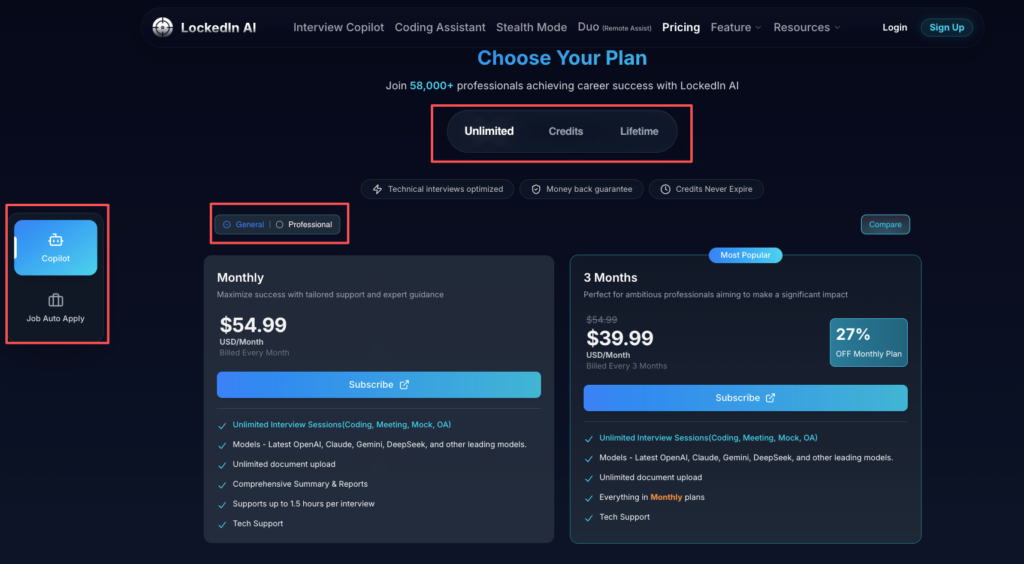
Before committing to any paid plan, it’s worth reviewing LockedIn AI’s pricing tiers to understand what features are available at each level—and whether the live copilot functionality is something you actually need.
Here’s the harsh truth: LockedIn AI can sharpen what you already know. It can’t invent genuine competence on the spot. And if you rely on it live, you may trade short-term comfort for long-term trust.
Alternatives map (cheaper, safer, better for coding)
If you’re searching lockedin ai alternatives, I’d bucket options by what you’re optimizing for: cost, risk, or coding depth. Before choosing any tool, it’s worth asking: is LockedIn AI legit and safe for your situation? That question alone can save you from a bad call.
Cheaper (good enough for prep)
- ChatGPT / Claude-style tools: Great for mock prompts, rewriting STAR stories, and building question banks. The trick is to quantify results. Don’t say “improved performance.” Say “cut p95 latency by 18%.” Data-backed beats polished.
- Google Docs + checklists: Not sexy, but high ROI. A simple rubric (clarity, metrics, alignment, concision) improves your prep conversion rate.
Safer (lower chance of getting flagged)
- Prep-only workflows: Record yourself, transcribe, then have AI critique structure. No live overlay. No weird eye-line. If you’re anxious, this is your calm path.
- Company-approved accommodations: If you need accommodations, do it through the employer process. Policies vary, and you want written alignment.
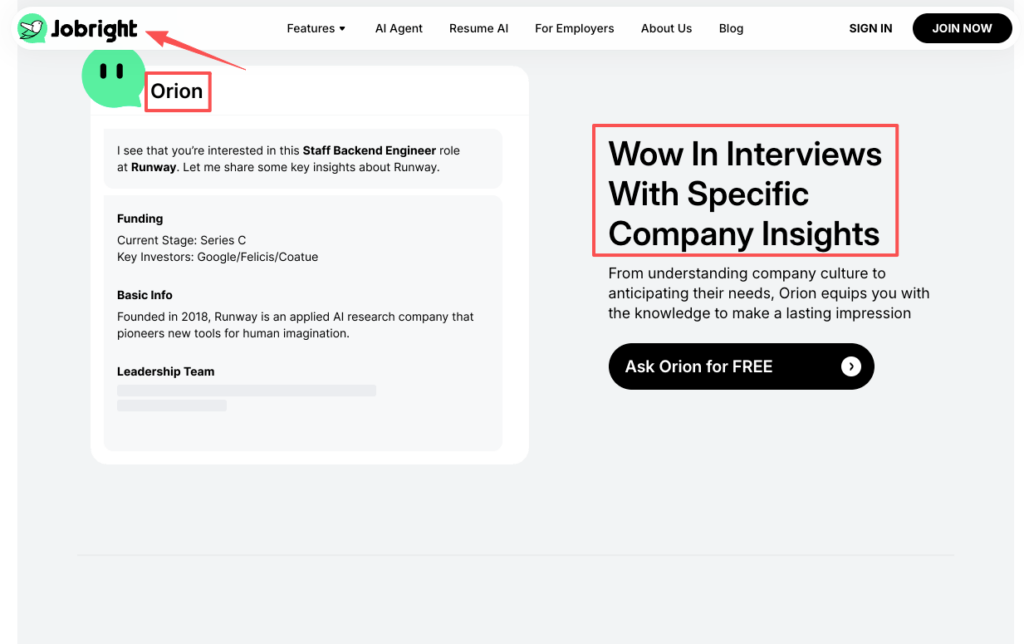
Our AI Copilot Orion won’t feed you live answers during your interview, and that’s by design. We built Jobright to rigorously prep your stories beforehand so you walk in genuinely prepared. Try Orion’s prep workflow and own your narrative.
Better for coding (practice-first, not “live help”)
- LeetCode / NeetCode-style practice: Old-school, but it trains the pattern library in your head.
- AI for code review after you solve: Paste your solution and ask for edge cases, complexity, and cleaner parsing. This keeps ownership with you.
Stop guessing. Let’s look at the data: the candidates who win long-term are the ones who use AI to accelerate feedback loops, not the ones who outsource thinking mid-interview.
Decision framework (budget, risk tolerance, format)
When someone asks me, “Should I use an interview copilot?” I don’t answer yes/no. I ask three questions.
1) Budget: what are you buying, time or confidence?
If you’re short on time, paying for structure can be worth it. But don’t pay to avoid practice. Practice is the compounding asset.
2) Risk tolerance: what happens if you get flagged?
SHRM reports that recruitment is increasingly broken from both sides—candidates gaming systems and employers over-filtering. If you’re visa-dependent, the downside is larger. A rescinded offer can trigger timeline stress fast. That means you should bias toward prep-first tools and transparent workflows.
3) Interview format: where is AI help least suspicious?
- Prep-only: Low risk, high leverage.
- Take-home: Medium risk: depends on policy and disclosure.
- Live behavioral/coding: Highest risk. Even if the tool is “allowed,” your delivery can look unnatural.
Recruiters won’t tell you this, but… the cleanest strategy is to build your own answers, then use AI to pressure-test them. That keeps your voice intact and your reasoning defensible.
Recruiter POV (what’s acceptable vs suspicious)
Let me translate what recruiters and interviewers often see, without the corporate sugar. The debate around AI cheating in job interviews has reached mainstream attention—and hiring managers are paying closer attention than ever.
What’s usually acceptable
- Using AI to prep: Practicing answers, improving clarity, and tightening your value prop. This is no different than coaching.
- Notes (sometimes): Many recruiters don’t mind brief notes, especially on phone screens. But reading full responses is where it turns.
- Take-home assistance (sometimes): If your company allows tools and you can explain every line. The key test: can you defend decisions under questioning?
What reads as suspicious
- Oddpacing: Long pauses followed by perfect paragraphs.
- Eye-line drift: Looking off-screen repeatedly like you’re following a script.
- Mismatch between depth and ownership: You give a polished answer, then can’t handle a simple follow-up.
The quiet mechanism behind it
Interviewers are scoring for signal: ownership, judgment, and communication. If your answers feel “generated,” they assume you didn’t do the work.
The AI interview cheating debate is nuanced—there’s a real difference between using AI to become a better communicator versus using it to impersonate one. If you’re worried about ATS and the application black hole, I’ll add one tough-love point: don’t gamble your reputation in interviews. Your network and insider connection matter. Hiring teams talk. Protect your trust.
Recommendation: a “prep-first” stack that improves outcomes
If you’re like me, you don’t want hype. You want a stack that moves metrics.
Here’s what I recommend to clients who want leverage without playing games:
Step 1: Build a role-aligned story bank (60–90 minutes)
Create 6–8 stories: conflict, leadership, failure, ambiguity, impact. For each one, add metrics. If you can’t quantify, estimate responsibly and explain the method.
Step 2: Run “mock loops” with AI (prep-only)
Use a mock interview ai (LockedIn AI or a simpler alternative) to:
- generate realistic follow-ups
- score clarity and concision
- spot weak keyword match with the job description
If you’re new to the platform, the LockedIn AI Chrome extension setup guide walks you through getting started without any guesswork.
Step 3: Practice out loud, then tighten
Record a 2-minute answer. Listen once. You’ll hate it. That’s normal. Then revise for:
- one clear mechanism (“I did X because Y constraint”)
- one quantified outcome
- one learning
Step 4: For coding, use AI after you attempt
Treat AI like a reviewer, not a savior. Solve first. Then ask for edge cases, complexity, and parsing pitfalls.
Step 5: Keep live interviews clean
If you use anything during a live interview, keep it minimal: a one-page outline, not a scrolling script. Your goal is natural alignment, not perfect prose.
Here’s the harsh truth: the best AI interview assistant is the one that makes you sharper when the screen is blank. If you expect a tool to talk for you, skip it. But if you want faster reps, cleaner stories, and better ROI on your prep time, a prep-first stack is worth trying.
Frequently Asked Questions About AI Interview Assistants
What is an AI interview assistant, and how does it help in job interviews?
An AI interview assistant helps you practice and refine interview answers—usually by generating mock questions, tightening STAR stories, and improving clarity. Used as prep, it boosts structure and confidence. Used live, it can create trust issues if your delivery looks scripted or unnatural.
Is using a real time interview AI during a live interview risky?
Yes. Real time interview AI can be a “danger zone” because odd pauses, eye-line drift, or suddenly perfect phrasing can look like you’re reading. Even if not explicitly banned, it can leak trust. The safest use of an AI interview assistant is prep-first practice before the call.
Which interview scenarios are safest for an AI interview assistant to use?
Prep-only is the safest and highest ROI: drill stories, quantify impact, and practice follow-ups. Take-home assignments can be medium-risk depending on company policy and disclosure. Live behavioral and coding interviews are highest risk, because companies may treat real-time assistance as outside help.
Can a coding interview assistant be used in a live coding interview?
Sometimes it’s explicitly prohibited, and even when it isn’t, it can backfire. Many teams care more about your algorithmic thinking than the final code. If you use a coding interview assistant to “rescue” you, you may violate policy and also fail follow-up probing on decisions and tradeoffs.
How can I use an AI interview assistant without getting flagged by recruiters?
Use it to accelerate feedback loops, not to outsource thinking. Build a story bank with metrics, practice out loud, and have AI critique structure after the fact. In live interviews, keep it clean—use a one-page outline, not a scrolling script—so your voice and ownership stay obvious.