
Is LockedIn AI Legit and Safe? Privacy, Data, and “Can Employers Detect It?”
Table of Contents
I saw people buzzing about LockedIn AI in the same tired way I see every “interview hack” trend: half hope, half panic.
If you’re in the application black hole right now, sending resumes, getting silence, juggling ATS keyword match games, and maybe also needing visa sponsorship, I get why a tool like this feels tempting. You want leverage, you want an insider connection, and you want something to move your conversion rate from “0 replies” to “actual interviews.”
So I tested LockedIn AI and looked at what it is (and what it isn’t). Here’s the harsh truth: “Is LockedIn AI legit?” is the wrong question by itself. The better question is whether it’s allowed, safe, and ethical in your exact interview setup.
Stop guessing. Let’s look at the data and the real risks.
“Legit” vs “allowed” (the distinction candidates miss)
When people ask “is LockedIn AI legit,” they usually mean one of three things:
- Is it a real product, not a scam?
- Will it help me perform better?
- Will I get in trouble for using it?
Those are not the same.
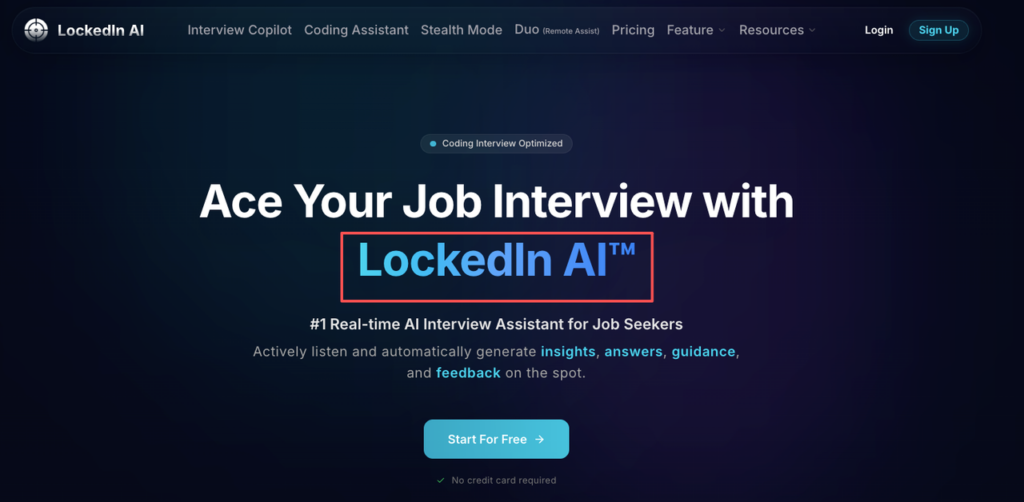
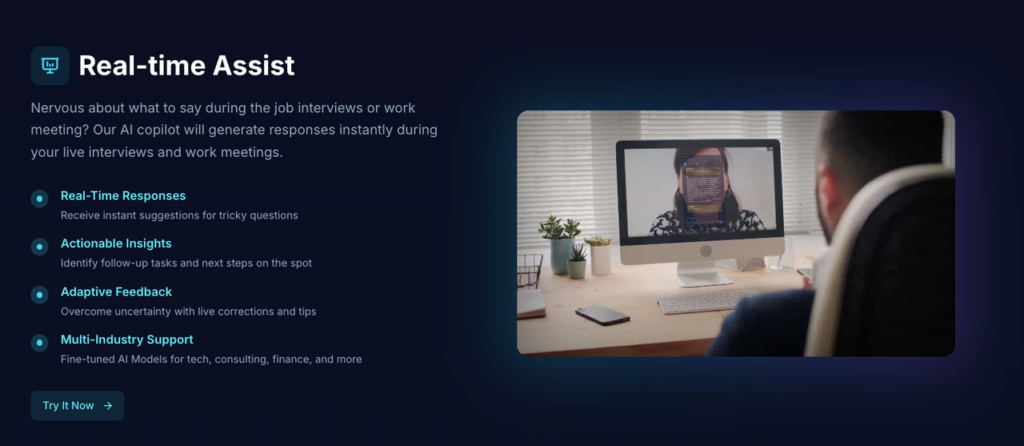
From what I can tell in my own testing, LockedIn AI is a real tool with real functionality (not just a landing page). It’s not “magic,” but it does what it claims at a basic level: it can help you generate responses, structure answers, and reduce blank-page panic.
But “legit” doesn’t mean “allowed.” Employers care about policy and process integrity, not your intent. A tool can be legitimate software and still violate:
- an interview’s instructions (“no external help”),
- a take-home’s rules,
- or a company’s candidate ethics policy.
Recruiters won’t tell you this, but the hiring team’s main fear isn’t that you used help. It’s that they can’t trust the signal from your interview. If the algorithm (human or ATS) can’t trust the signal, your offer ROI drops to zero.
If you’re an international candidate, this matters even more. You’re already optimizing for fewer shots on goal (visa sponsorship filters shrink the funnel). You can’t afford a ban for “policy violation” because you chased a short-term boost.
Privacy & data exposure risks (what you may leak)
Let’s talk about the part nobody reads: what data you hand over.
When you use any interview assistant, you may share:
- Your resume content (full work history, projects, dates)
- Company names and confidential project details
- The actual interview questions (which may be proprietary)
- Your screen content (depending on setup and permissions)
- Audio (if you feed it transcripts or use voice features)
Here’s the harsh truth: once sensitive info leaves your device, you can’t fully control where it goes.
What I look for before trusting a tool
I’m not a lawyer, but as someone who’s helped candidates tighten their risk surface, I check a few basics:
- Is there a clear privacy policy and terms page?
- Do they say what they store, for how long, and why?
- Do they mention data deletion options?
- Do they explain whether your inputs are used to train models?
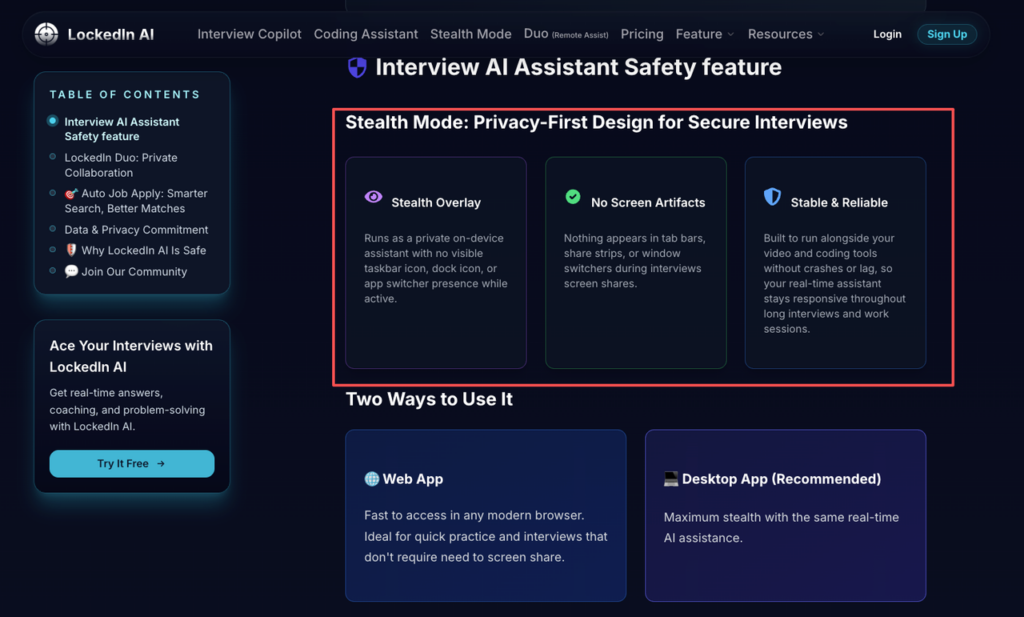
Start at the official site and read the policies like you’re reviewing a production dependency. Begin here: LockedIn AI’s safety page.
Practical “don’t leak this” rules (simple and strict)
If you use LockedIn AI (or any similar tool), I suggest these guardrails:
- Don’t paste full resumes. Paste only the bullets you need.
- Don’t share confidential metrics from past employers (revenue, user counts) unless public.
- Don’t paste take-home prompts verbatim if the company says it’s confidential.
- Don’t upload documents that include your address, DOB, or visa ID info.
Think of it like GitHub hygiene. You wouldn’t commit secrets to a repo. Don’t commit them to an AI prompt either.
Detection risk: realistic signals vs rumors
People online talk about “AI detectors” like they’re airport scanners. That’s not how most hiring works.
Yes, some companies run plagiarism checks on take-homes. Some use proctoring tools that detect AI cheating. But in real interviews, the common detection signals are more human than technical.
Stop guessing. Let’s look at the data-backed reality: most rejections happen because your output doesn’t match your skill signal.
Realistic signals that trigger suspicion
In my consulting work, the biggest red flags look like this:
- Your answer is polished, but you can’t explain it when challenged.
- You use perfect frameworks, but your examples are thin.
- Your coding approach is “textbook,” but you struggle with small edits.
- Your language style changes suddenly (tone, complexity, vocabulary).
LockedIn AI can help you structure an answer. It can’t give you earned intuition.
Rumors that waste your time
- “They can always detect AI.” Not true.
- “If you use AI, you’ll get banned.” Also not always true.
What’s true: if your performance looks like parsing without understanding, you create an integrity gap. That gap is what costs offers. According to The Atlantic’s investigation into AI cheating in job interviews, the real issue isn’t detection—it’s the mismatch between AI-generated answers and genuine competence.
If you want leverage, your goal is alignment: your spoken explanation, your coding choices, and your resume value prop should all match. That’s the best anti-detection strategy because it’s not a trick. It’s competence.
Employer policy patterns (what’s commonly prohibited)
Policies vary, but patterns show up. Employers’ guidelines on AI interviewing tools reveal consistent standards across industries.
What’s often allowed
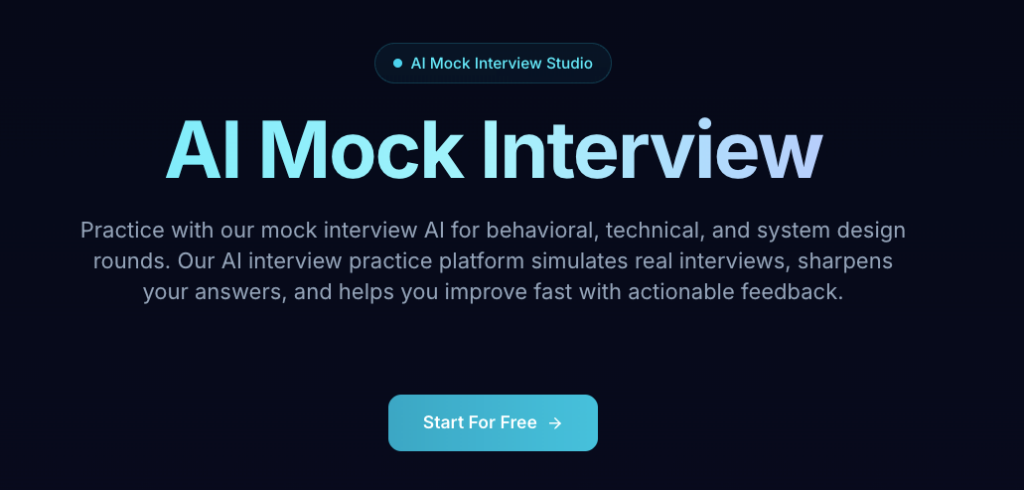
- Using AI for prep (mock interviews, brainstorming, study plans)
- Using AI to review your resume for ATS optimization
- Using AI to draft practice behavioral stories (STAR format)
What’s often prohibited
- Using real-time assistance during a live interview when told “no help”
- Copying AI output into a take-home that’s meant to be independent work
- Any tool that records, transcribes, or shares interview content without consent
Recruiters won’t tell you this, but “allowed” often comes down to one sentence in the instructions. If the email says “You may not use external resources,” that includes a second screen, a friend, and an AI assistant.
If the instructions are unclear, you have two options:
- Ask (best long-term trust move)
- Assume it’s not allowed (best risk move)
I know asking feels scary. But if you’re a visa-dependent candidate, you’re playing a longer game. You need clean outcomes and clean references, not a fast win that creates a future problem.
Ethical line: assistance vs misrepresentation
This is where most candidates get stuck, so I’ll make it simple.
Assistance is when the tool helps you:
- clarify your thinking,
- practice recall,
- structure your message,
- and quantify impact with metrics you can defend.
Misrepresentation is when the tool:
- feeds you answers you don’t understand,
- “writes your experience” instead of shaping it,
- or helps you bypass the intended evaluation.
Here’s the harsh truth: if you need LockedIn AI to perform in the interview, you’re not ready for the job’s day-to-day.
That doesn’t mean you’re not talented. It means the skill gap is in a specific place, usually communication, interview reps, or translating your work into a clear value prop.
A helpful way to test yourself:
- If I remove the tool, can I still explain my answer in plain English?
- Can I defend trade-offs?
- Can I recreate the solution with minor changes?
If the answer is “no,” the tool isn’t leverage. It’s debt. And debt shows up later, on the job, during onboarding, or in the next round.
We know AI can’t replace the “earned intuition” you’ve built through years of work, and we don’t pretend it does. Try Jobright.ai as a strategic partner to align your real-world experience with what ATS filters look for, without compromising your professional integrity.
Safe alternative workflow (prep-first, documentation, transparency)
If you’re like me, you don’t want hype. You want a workflow that improves your conversion rate without risking your candidacy.
Here’s what I recommend instead, prep-first, documented, and (when needed) transparent. As SHRM emphasizes in their research on transparency in AI hiring, honesty and clear communication are essential.
Step 1: Use AI for ATS optimization (the right place for “algorithm thinking”)
ATS systems are basically parsing + keyword match engines with filters. Your job is optimization, not poetry.
- Pull 5–10 target job descriptions.
- Highlight repeated keywords (skills, tools, scope).
- Update your resume bullets to match truthfully.
Quantify impact where you can: latency reduced, revenue influenced, cost saved, hours saved. Metrics are your leverage.
Step 2: Build a “story bank” that doesn’t collapse under pressure
Write 6–8 stories:
- 2 conflict stories
- 2 leadership / ownership stories
- 2 failure + learning stories
- 2 technical deep dives
Use AI to help you tighten structure, but keep your voice. Then rehearse out loud until you can deliver without reading.
Step 3: Practice like it’s production: timed, messy, and repeatable
Do 3 rounds per story:
- Slow: get the content right
- Timed: 2 minutes for behavioral answers
- Interrupted: have a friend cut in with “why?” and “what would you do differently?”
This is how you turn AI-assisted drafts into real skill.
Step 4: Decide your transparency rule before the interview
If a company explicitly allows AI for a take-home, you can add a short note:
- what tool you used,
- what you used it for (outline, review),
- what you wrote yourself.
That one paragraph can protect trust.
Step 5: For visa sponsorship candidates: don’t waste cycles
Separate your pipeline:
- Track roles that sponsor work visas (make your own list, and verify).
- Measure your funnel metrics weekly (applications → screens → interviews → offers).
- Fix the biggest leak first (resume keyword match? recruiter screen? technical round?).
The goal is ROI, not motion.
Conclusion
If you came here hoping I’d say “yes, LockedIn AI is legit, just use it,” I won’t. It can be a useful prep tool. But using it the wrong way can wreck trust fast.
If you care about getting hired and staying hired, use AI to sharpen your thinking, then bring your own voice to the interview. Skip it if what you want is a shortcut you can’t explain later.
Frequently Asked Questions About Whether LockedIn AI Is Legit
Is LockedIn AI legit or a scam?
Based on hands-on testing described in the article, LockedIn AI appears to be a real product with working features—not just a hype landing page. It can generate responses and help structure interview answers. But “is LockedIn AI legit” doesn’t automatically mean it’s allowed in your interview process.
Is LockedIn AI allowed to use during a live interview?
Sometimes, but often not. Many employers prohibit any real-time external help if instructions say “no external resources” or “no assistance.” Even legitimate software can violate interview rules. According to employment law experts on AI hiring tools, if the policy is unclear, asking is the safest trust-building move; otherwise, assume it’s not allowed.
What privacy risks come with using LockedIn AI for interviews?
The main risk is data exposure. You might share resume details, confidential project info, proprietary interview questions, screen content, or audio transcripts. Once sensitive information leaves your device, control is limited. Before using LockedIn AI, check their safety and privacy information for clear terms, storage duration, deletion options, and whether inputs train models.
Can employers detect if I used LockedIn AI?
Detection is usually behavioral, not a magical “AI scanner.” The biggest red flags are polished answers you can’t explain, sudden shifts in tone, and “textbook” solutions you can’t modify under pressure. Technical assessment platforms like HackerRank now use advanced detection methods, but the best defense is alignment—only use help you can fully defend and reproduce without the tool.
What’s the ethical line when using LockedIn AI in an interview?
Ethical assistance helps you clarify thinking, practice recall, and structure stories you truly lived. Misrepresentation is using AI to feed answers you don’t understand or bypass the evaluation. A good test: if you remove LockedIn AI, can you still explain trade-offs and recreate the solution in plain English? Industry research on transparency in AI hiring emphasizes that honesty builds long-term trust with employers.
Recommended Reads