
LinkedIn Tools, Extensions & Alternatives: What Actually Works in 2026
Table of Contents
The LinkedIn playbook is broken — and most people don’t realize it yet.
In 2026, tactics that used to work—automation tools, mass connection requests, engagement pods, keyword stuffing—now actively hurt your visibility. LinkedIn’s algorithm has matured. It can identify low-value activity almost instantly, and it rewards only two things: clear professional relevance (“Topic DNA”) and real human attention (“Dwell Time”).
If you’re job hunting, selling, or building authority, this creates three painful problems:
- Your profile isn’t being surfaced, even though you’re “qualified”
- Your outreach gets ignored or quietly throttled
- The tools you’re using feel risky, outdated, or ineffective
This guide exists to fix that. Instead of bots and growth hacks, we focus on safe, compliant tools that align with how LinkedIn actually works. You’ll learn which Chrome extensions are worth installing, which ones quietly increase your ban risk, and which LinkedIn alternative platforms now outperform LinkedIn for specific goals like job hunting, outreach, and local networking.
3 Top LinkedIn Chrome Extensions: Safety vs. Growth
Now, Chrome extensions for LinkedIn fall into two categories: Read-Only (Safe) and Injection-Based (Risk). LinkedIn has become incredibly aggressive at detecting tools that modify its site code (the DOM). According to 2026 industry benchmarks, users of non-compliant “injection” extensions face a 23% higher risk of temporary account restrictions.
1. Careerflow.ai (The Optimizer) – The Profile Power-Players
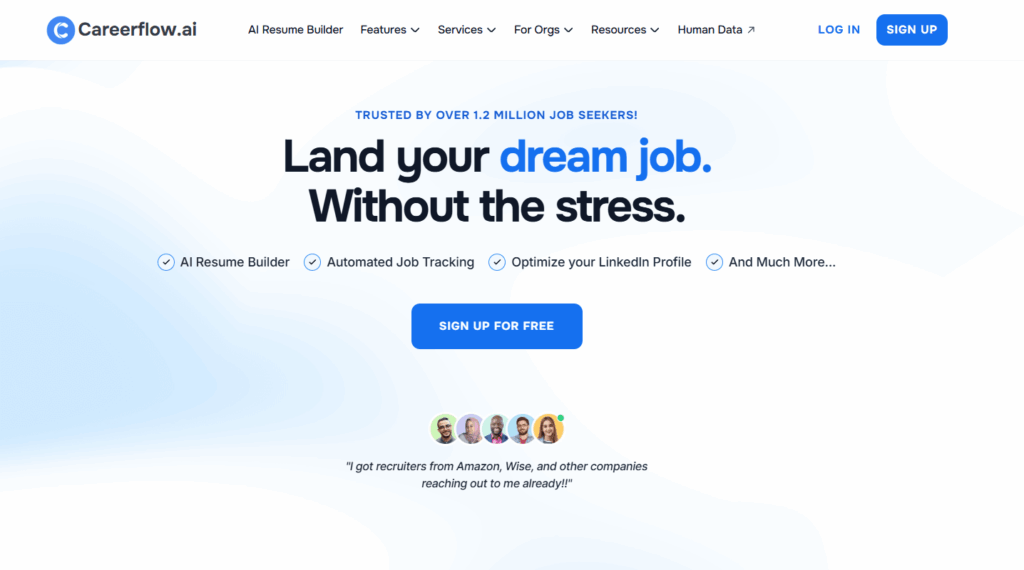
Careerflow.ai remains the gold standard for profile SEO. It doesn’t automate your behavior; it optimizes your visibility. By providing an interactive overlay directly on your LinkedIn profile, it ensures your data is indexed correctly by the LinkedIn search engine.
Key Features:
- Interactive Profile Score: An instant, real-time score based on the new algorithm’s weighting of headers, about sections, and skills.
- Step-by-Step Walkthrough: A sidebar that guides you through every section of your profile with specific “Must-Have” vs. “Nice-to-Have” checklists.
- Keyword Benchmarking: Suggests the exact technical and soft skills currently trending in your specific industry.
Pros:
- High Safety Score: Because it doesn’t perform automated actions (likes/invites), it has a near-zero ban risk.
- Contextual Editing: You can edit your profile while the tool gives you live feedback, preventing the need to switch tabs.
Cons:
- Generic Free Tier: The free version provides general best practices; industry-specific “Hyper-Tailoring” usually requires a premium subscription.
- Single-Focus: It is a specialist tool for profile SEO and lacks the robust job-tracking features of a CRM.
2. Teal (The Career Co-Pilot)
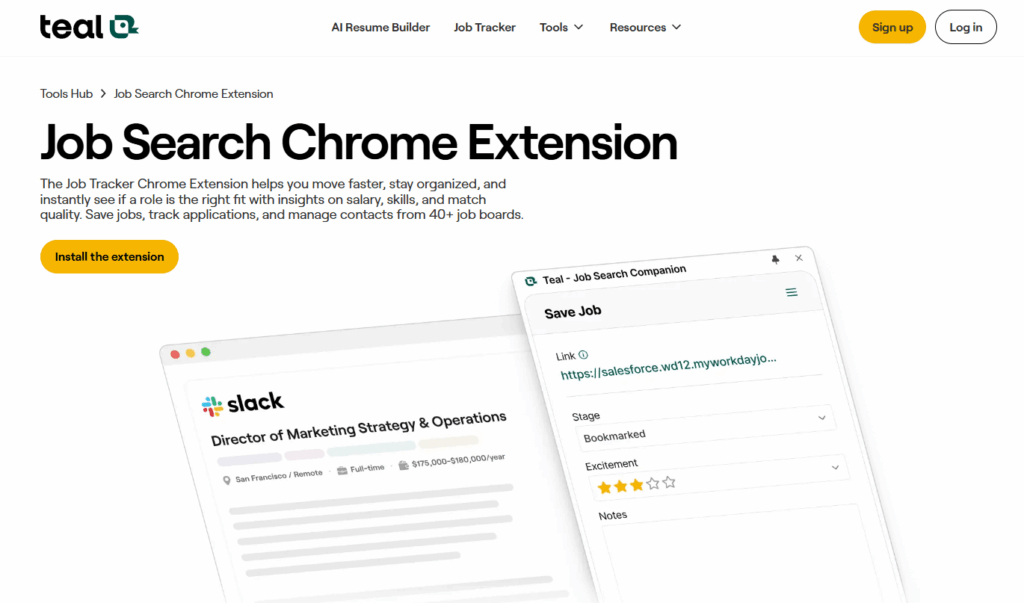
Teal has evolved into a full-scale job search CRM. While Careerflow fixes your “storefront” (your profile), Teal manages your “back office” (your applications). It is essential for high-volume job seekers who need to stay organized across multiple platforms.
Key Features:
- Universal Job Tracker: A one-click “bookmark” tool that pulls job data from LinkedIn, Indeed, and 40+ other boards into a single dashboard.
- AI Resume-JD Matcher: Compares your resume to a specific LinkedIn job posting and highlights “keyword gaps” in real-time.
- Application Autofill: A standout feature that automatically populates repetitive company application forms using your verified Teal data.
Pros:
- Centralization: Eliminates the “spreadsheet of shame” by tracking every stage from “Interested” to “Offer.”
- Integrated Interview Prep: Provides AI-generated practice questions based on the specific job description you saved.
Cons:
- Overwhelming UI: For casual users, the sheer number of features (CRM, Resume Builder, Tracker) can have a steep learning curve.
- Basic Profile Review: Its LinkedIn profile optimization is less granular than Careerflow’s specialized system.
3. Taplio X (The Content Scientist) – The “Safe List” for Engagement
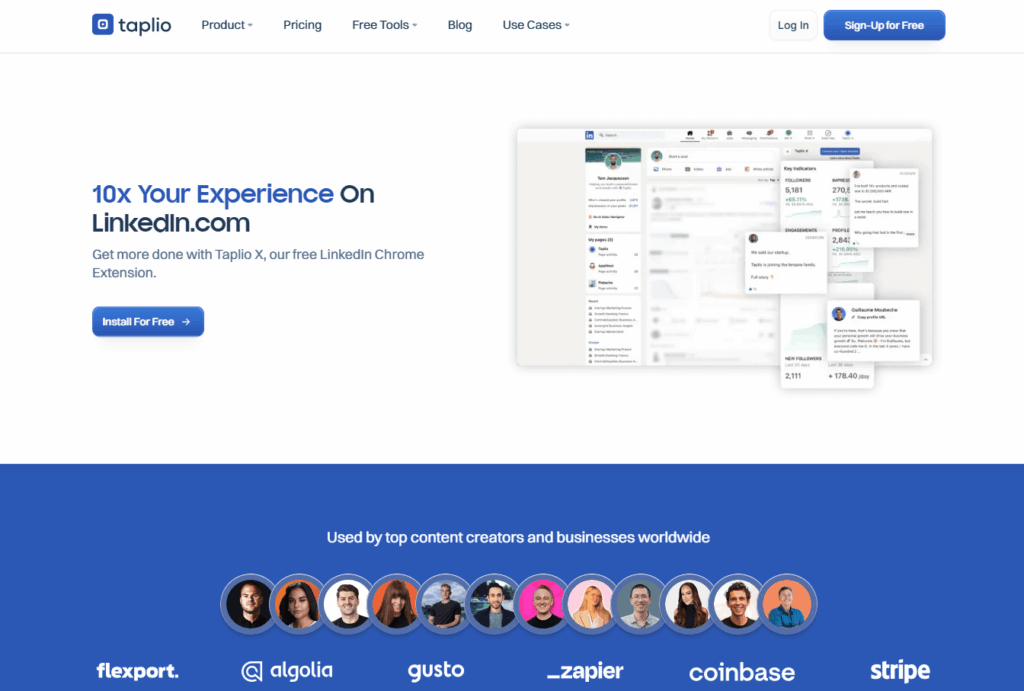
Taplio X is a “read-only” extension, making it the safest choice for creators. It focuses on intelligence and inspiration rather than automated “engagement pods.”
Key Features:
- Viral Content Library: Instantly see the top-performing posts in your niche to understand what is currently resonating with the algorithm.
- Dwell-Time Analytics: Tracks how long people are staying on your posts—the #1 metric for reach in 2026.
- Carousel Generator: Turns blog posts or YouTube links into high-authority LinkedIn PDF carousels with one click.
Pros:
- Maximum Safety: It only “reads” data and provides analytics, meaning it never risks your account status.
- High ROI for Creators: Dramatically reduces the time spent on “writer’s block” by providing proven hooks and structures.
Cons:
- Pricey for Solopreneurs: Starting at around $39/month, it’s a significant investment compared to free alternatives.
- LinkedIn-Only: Unlike multi-platform tools, its features are strictly optimized for the LinkedIn ecosystem.
The Golden Rule of Safety
In 2026, LinkedIn enforces dynamic limits rather than fixed ones. If you have a mature account (90+ days old), you can safely send about 15–20 connection requests per day, totaling roughly 80–100 per week. However, if your acceptance rate drops below 20%, you will likely face a “LinkedIn Jail” warning regardless of the tool you use.
Finding Emails on LinkedIn: 5 Best Email Finder Extensions
With the “privacy-first” web, finding a decision-maker’s email has become harder. The best email finders now use multi-step verification to ensure your outreach doesn’t bounce and hurt your domain reputation.
1. Apollo.io (The Comprehensive Powerhouse)
Apollo remains the undisputed titan of the sales stack. Its email Chrome extension is no longer just an email finder; it’s a “Context Engine” that sits on top of LinkedIn profiles.
2026 Standout Feature:“Verified Human” Filters. This tool filters out “ghost” profiles—accounts that haven’t posted or updated in 6+ months—ensuring you don’t waste outreach on abandoned accounts.
Key Features:
- Direct-Dial Discovery: High accuracy for mobile numbers, which is critical for the modern remote-work landscape.
- Intent Signals: Shows if a company is currently “scaling” or “researching” specific software categories while you browse their employees.
- One-Click CRM Sync: Instantly pushes data to Salesforce, HubSpot, or Jobright.ai.
Pros: Massive database (275M+ contacts); highly intuitive UI; great free tier (approx. 5–10 credits/month).
Cons: Can be “credit-heavy”—revealing a mobile number often costs more than an email; the extension can occasionally slow down the LinkedIn page load.
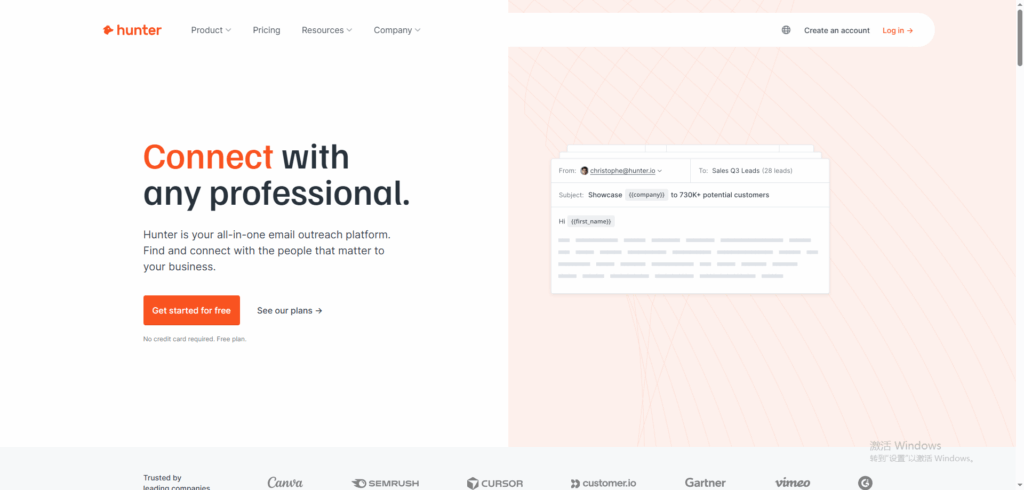
2. Hunter.io (The Precision Specialist)
Hunter is for the “Precision Prospector.” Instead of just looking for individuals, it focuses on domain authority. It is the best tool for identifying the internal “email culture” of a company.
2026 Standout Feature: Confidence Scoring. Every email found is given a percentage score (e.g., “98% Confidence”) based on recent successful deliveries to that domain.
Key Features:
- Domain Search: Type in a company and see the most common email pattern (e.g., {first}.{last}@{company}.com).
- Author Finder: Find the email of the person who wrote a specific LinkedIn article or post.
Pros: The most reliable “pattern guessing” engine; excellent for bulk-checking lists of company names.
Cons: Struggles with finding personal emails (Gmail/Yahoo); requires the company to have a clear domain-based email structure.
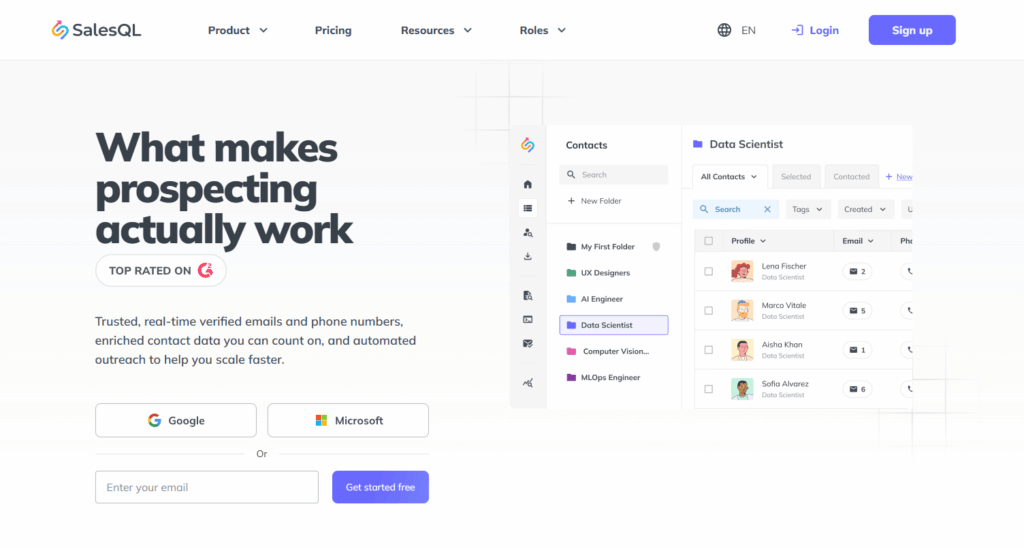
3. SalesQL (The Recruiter’s Favorite)
SalesQL has gained a massive following in 2026, particularly among recruiters, because it specializes in Personal vs. Professional data.
Standout Feature: Personal Email Extraction. In a world where people change jobs every 18 months, SalesQL’s ability to find a candidate’s personal Gmail is a “cheat code” for long-term networking.
Key Features:
- Multi-Connection Reveal: Can reveal emails for 1st, 2nd, and 3rd-degree connections.
- Bulk Export: Allows you to save entire search result pages into a CSV without manually clicking every profile.
Pros: Higher success rate for personal email addresses; very competitive pricing for solo users.
Cons: Interface feels slightly dated compared to Apollo; it doesn’t offer as much “company intent” data.
4. Lusha (The Mobile & Direct-Dial King)
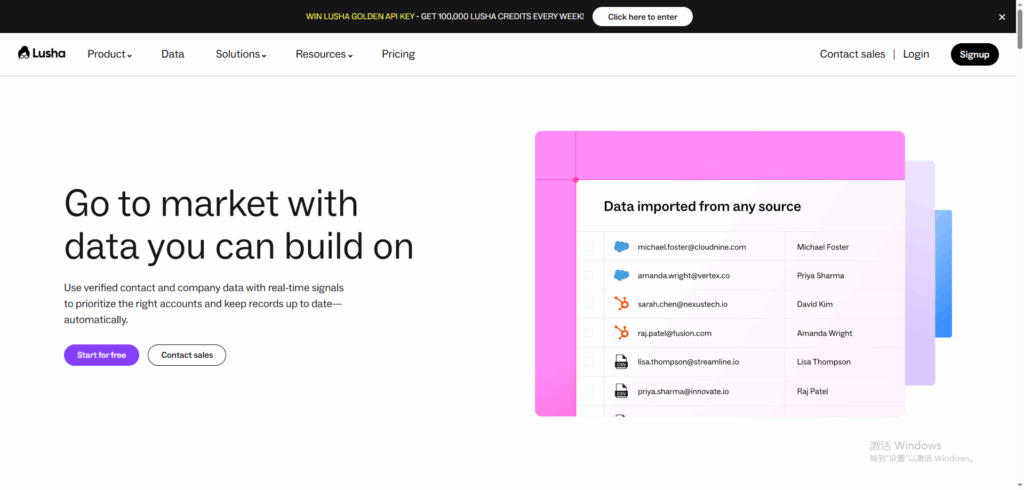
Lusha is the tool you use when an email isn’t enough. It is built for speed and directness.
- Key Features: “Lusha Conversations.” An AI update that records and transcribes your outreach calls, syncing insights directly to your CRM.
- Pros: Highest accuracy rate for direct-dial phone numbers (approx. 90% for US-based leads); incredibly fast extension.
- Cons: Expensive. Lusha uses a credit system that can be restrictive for individuals ($29–$50+/month for limited reveals).
5. RocketReach (The Global Database)
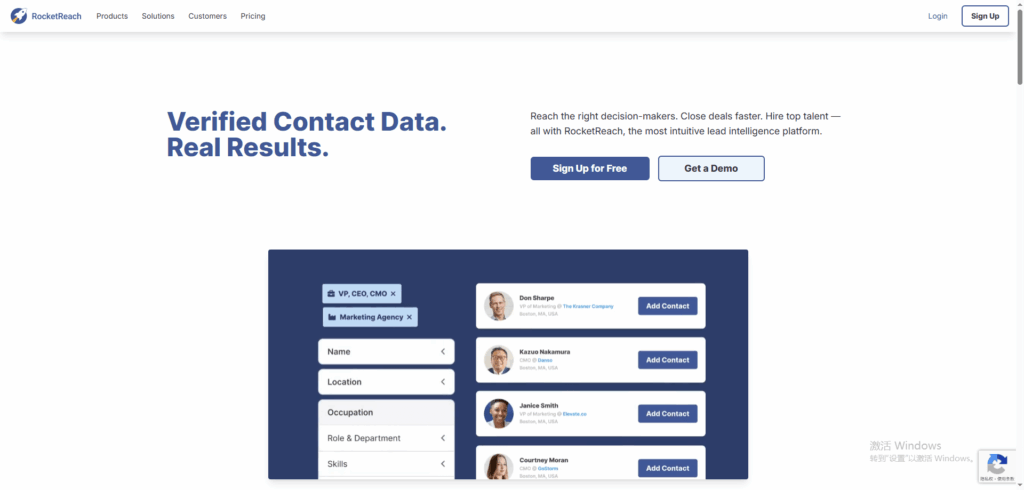
RocketReach is the go-to for International Prospecting. While Apollo and Lusha are US-centric, RocketReach has the deepest records for the EMEA (Europe, Middle East, Africa) and APAC (Asia-Pacific) regions.
- Key Features: Social Profile Mapping. It links a LinkedIn profile to their Twitter (X), GitHub, and even Facebook business pages.
- Pros: Exceptional global reach; great for tech roles (GitHub integration is a game-changer for engineering recruiters).
- Cons: Higher “bounce rate” than Hunter or Apollo on the free tier; the data can occasionally be “noisy” (providing 5 different emails for one person).
LinkedIn Free vs. Premium: Is the Price Tag Worth It?
The “Is it worth it?” debate has reached a fever pitch on platforms like Reddit. As of February 2026, LinkedIn has tiered its pricing to capture different user segments.
Pricing Snapshot
| Plan | Monthly Cost | Best For |
| Premium Career | $29.99 – $39.99 | Active Job Seekers |
| Premium Business | $59.99 – $69.99 | Small Business Owners |
| Sales Navigator Core | $99.99 – $119.99 | B2B Sales / High-Volume Prospecting |
Further Reading: LinkedIn free vs Premium >
LinkedIn Premium vs. Sales Navigator
Choosing between these depends on your intent. Premium Career is designed for “being found.” It gives you “Top Applicant” status and shows you exactly how you rank against other candidates. Sales Navigator, however, is for “hunting.” It offers 30+ advanced filters (such as “Company Growth” or “Department Size”) that the standard search doesn’t provide.
The Verdict: Is it Worth it?
For most job seekers, the answer is a cautious “maybe.” User SeraphimSphynx on Reddit noted that even with Premium, many profile viewers remain “Hidden,” and “Top Applicant” status doesn’t guarantee a response. However, if you are in a competitive field, the 5 monthly InMail credits are often the only way to bypass a crowded inbox.
Pro Tip: If you decide to cancel LinkedIn Premium, do it via the desktop site. If you subscribed via the Apple App Store, you must cancel through your iPhone settings, or you will continue to be billed. Also, clicking “Cancel” often triggers a 50% discount offer for the next two months.
3 Best LinkedIn Alternatives for Job Hunting
In 2026, “LinkedIn Fatigue” is real. Savvy professionals are diversifying their search to platforms with less noise.
1. Indeed vs. LinkedIn: The Battle of “Volume” vs. “Value”
Indeed remains the undisputed “Volume Machine” of 2026, generating approximately 66% of all job applications globally. However, the experience of using Indeed compared to LinkedIn is fundamentally different.
Indeed’s Edge (The Transactional Search): Indeed is built for speed. Its “Smart Matching” technology bypasses the need for networking. If your resume matches the requirements, you are pushed to the top. It is the superior choice for high-turnover industries (Healthcare, Retail, Logistics) and roles where you need a job immediately.
LinkedIn’s Edge (The Relationship Search): LinkedIn is built for the “Long Game.” Studies in 2026 show that white-collar professionals have a 2x higher interview rate on LinkedIn than Indeed, primarily because LinkedIn emphasizes the “Referral over the Resume.”
Key Comparison:
- Indeed: Best for “Apply and Forget.” Focuses on verified skills tests.
- LinkedIn: Best for “Research and Outreach.” Focuses on social proof and mutual connections.
2. Handshake vs. LinkedIn: The “Moated” Ecosystem for New Grads
For the Class of 2026, Handshake has officially surpassed LinkedIn as the most trusted entry-level platform. LinkedIn has become too “noisy” for students, who often find themselves competing with seasoned professionals for “entry-level” roles.
- The “Closed” Network Advantage: Handshake is a moated ecosystem. You must have a verified university email to join, and employers must be “approved” by your school’s career center. This eliminates the “Job Scams” and “Ghost Listings” that have plagued LinkedIn in recent years.
- Direct-to-Campus Recruiting: Fortune 500 companies are increasingly using Handshake to host “Virtual Office Hours” and “Digital Career Fairs” that are invisible to the general public on LinkedIn.
- Why it Works: It levels the playing field. Instead of battling a 30-year veteran for a Junior Analyst role, you are competing only against your peers within a validated educational context.
3. Alignable vs. LinkedIn: The “Hyper-Local” Trust Network
If LinkedIn is a global corporate skyscraper, Alignable is the local chamber of commerce meeting. In 2026, it has become the “rising star” for small business owners, freelancers, and “fractional” workers.
- The Power of the Zip Code: While LinkedIn’s algorithm rewards global virality, Alignable’s algorithm rewards Local Trust. It is built on referrals within your specific geographic area (e.g., “Best Web Designer in Austin, TX”).
- The “Anti-Spam” Culture: Alignable’s community guidelines are much stricter regarding cold-pitching. You cannot simply “blast” a network; you must be “referred” or “introduced,” which mimics the high-trust environment of 20th-century business networking with 21st-century speed.
- Best For: Realtors, Local Consultants, Specialized Trades, and Freelancers who rely on word-of-mouth rather than corporate recruiters.
Summary Table: Which Alternative Do You Need?
| Platform | Primary Audience | Why Choose It over LinkedIn? |
| Indeed | General Labor / High-Volume | Faster hire time; better for non-corporate roles. |
| Handshake | Students & 2026 Grads | Zero-spam environment; direct school-to-employer links. |
| Alignable | Small Business / Freelance | Focuses on local referrals and high-trust networking. |
| Wellfound | Tech & Startups | Built-in salary/equity transparency; direct founder access. |
Jobright.ai: The AI-Powered Advantage in the Job Market
While LinkedIn remains the primary database, Jobright AI has emerged as the essential bridge between “having a profile” and “getting hired.” In 2026, the biggest hurdle for job seekers is the AI-Filter Gap—recruiters use AI to filter you out, and Jobright uses AI to get you in.
What Makes Jobright Unique?
Unlike standard LinkedIn extensions that simply “score” your profile, Jobright operates as a Real-Time Job Matcher. It uses a proprietary “Insight Engine” to analyze your LinkedIn profile and match it against millions of live listings, identifying the roles where you have an “unfair advantage” based on your specific career trajectory.
Key Features:
- The Resume-LinkedIn Sync: Jobright ensures your resume and LinkedIn profile aren’t just similar, but mathematically aligned with the specific “Skill DNA” recruiters are searching for this month.
- Auto-Track Pipeline: It automatically pulls jobs you’ve viewed on LinkedIn into a managed dashboard, providing you with “Next Step” prompts (e.g., “Message this specific hiring manager” or “Add this keyword to your headline”).
- The “Shadow Match” Index: Jobright identifies “Hidden Jobs” that are often discussed in LinkedIn groups or posts but haven’t been officially listed on the job board yet.
For users who find LinkedIn Premium too expensive or the interface too cluttered, Jobright serves as a “Clean Layer” that focuses entirely on one goal: The Offer Letter.
LinkedIn 2026 Insights: What Job Seekers and Recruiters Are Really Saying
To understand what actually works, we looked at the front lines of the 2026 job market.
- On Automation: “LinkedIn doesn’t ban automation; it bans careless behavior,” says a lead developer at Konnector.AI. Success in 2026 requires tools that mimic “focused human work” rather than bulk processing.
- On the “Humanity” Trend: Multiple Reddit users in r/recruitinghell have noted that they’ve had more luck with “Manual, 1st-degree connections” than with any paid InMail or automated sequence. The consensus: In an AI-saturated 2026, authenticity is the ultimate luxury.
- On the Worth of Premium: A common sentiment on r/careerguidance on Reddit is that Premium is only worth it if you are a “Power User” who spends at least 30 minutes a day actively networking. For the passive job seeker, it’s often a “tax on hope”.
Final Thoughts & Next Steps
LinkedIn is no longer a “set it and forget it” platform. It is a dynamic ecosystem where the quality of your tools matters as much as the quality of your experience. To win this year:
- Prioritize Safety: Use “Read-Only” extensions like Careerflow to avoid the 2026 ban-waves.
- Verify Everything: If you’re doing outreach, use a verified email finder like Apollo to protect your sender reputation.
- Optimize with Jobright: Use Jobright.ai to bridge the gap between your LinkedIn presence and your actual application strategy.
FAQs on LinkedIn Tools & Job Search
Is LinkedIn automation banned in 2026?
No — but careless automation is. LinkedIn does not explicitly ban automation tools; it penalizes behavior that looks non-human, such as rapid connection bursts, low acceptance rates, or repetitive messaging. In 2026, the safest tools are read-only or optimization-focused rather than action-based bots.
What is the safest type of LinkedIn Chrome extension in 2026?
Read-only extensions are the safest. These tools analyze your profile, content performance, or search results without modifying LinkedIn’s code or performing automated actions. Extensions that inject scripts, auto-send invites, or scrape data aggressively carry a significantly higher risk of account restrictions.
How many LinkedIn connection requests can you safely send per day?
For accounts older than 90 days, most users can safely send 15–20 connection requests per day, or roughly 80–100 per week. Acceptance rate matters more than volume — if your rate drops below ~20%, LinkedIn may throttle or restrict your account regardless of the tool used.
Is LinkedIn Premium worth it for job seekers in 2026?
It depends on usage intensity. LinkedIn Premium is most valuable if you:
- Actively network at least 30 minutes per day
- Use InMail strategically to bypass gatekeepers
- Compete in highly saturated white-collar roles
For passive job seekers, Premium often delivers limited ROI, and visibility remains inconsistent due to hidden profile viewers.
What’s the difference between LinkedIn Premium and Sales Navigator?
LinkedIn Premium is designed for being discovered (job seeking, profile comparisons, InMail). Sales Navigator is designed for active prospecting, offering advanced filters like company growth, department size, and hiring intent. If you’re not doing outbound sales or recruiting, Sales Navigator is usually overkill.