
The 8 Best AI Tools for LinkedIn Job Search
Table of Contents
You update your resume, tweak your LinkedIn headline, and apply to 50 jobs in a week. And… nothing happens. No interviews. No replies. Just the same automated rejection email.
If this sounds familiar, you’re not alone. In 2026, most job seekers aren’t losing opportunities because they lack skills — they’re losing because their profiles aren’t aligned with how recruiters actually search.
LinkedIn isn’t just a place to upload a resume anymore. Recruiters don’t scroll through profiles manually. They search. They filter. They shortlist. If your profile doesn’t clearly demonstrate the right experience, context, and focus for a specific role, you simply don’t appear in the first batch of results.
That’s why applying to more jobs rarely works. The real advantage in 2026 isn’t sending 200 applications. It’s understanding how you look from the recruiter’s side — and adjusting before you hit “Apply.” As one Reddit user shared on u/chemicallocha05 in a recent job-hunting thread:
“I applied to 400 jobs with a generic AI bot and got zero calls. I switched to targeting high-match roles and got 3 interviews in a week. Quality beats volume.”
That shift — from volume to precision — is where the right tools make a difference. In this guide, we’ll break down 8 AI tools that help you:
- Improve how your LinkedIn profile ranks in recruiter searches
- Identify roles where you’re actually competitive
- Apply faster without sacrificing quality
- Prepare for interviews with a better context
- Build visibility so recruiters come to you
Not to automate your job search blindly — but to make every application count.
Top 8 AI Tools for LinkedIn Job Search
The modern LinkedIn job search is no longer just about sending applications. In 2026, candidates increasingly rely on AI tools to optimize their profiles, discover hidden opportunities, automate repetitive tasks, and prepare for interviews.
The following tools represent the most effective AI-powered platforms for LinkedIn job seekers, each solving a specific part of the hiring funnel—from profile optimization to networking, research, and interview preparation.
1. Jobright.ai — The “Recruiter Mirror” Specialist
Most job platforms show you more jobs. Jobright.ai focuses on showing you the right jobs — and helping you apply more strategically.
Instead of acting as a social network like LinkedIn, Jobright functions as an AI-powered job search assistant. It analyzes your resume, skills, and preferences to surface roles that align closely with your background, while also helping you tailor your application materials for each opportunity.
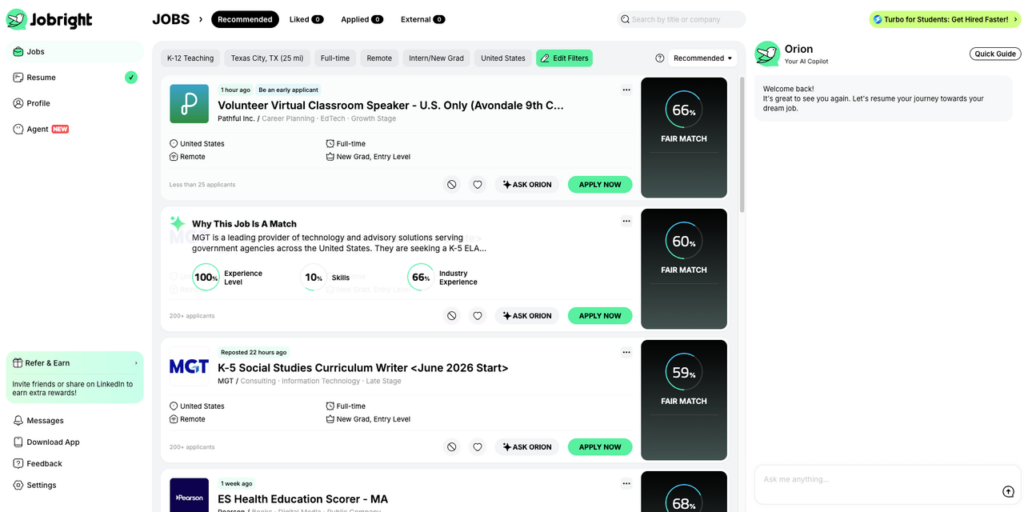
What Jobright Actually Does
Here are the core features based on Jobright’s official positioning and user feedback:
- AI-Powered Job Matching: Jobright analyzes your uploaded resume and career goals to recommend roles that fit your experience, rather than relying purely on keyword overlap.
- Tailored Resume Generation: For each job, the platform can generate a customized resume version aligned with the job description, helping improve ATS (Applicant Tracking System) compatibility.
- Application Autofill Assistance: Jobright supports faster application submission by helping populate repetitive form fields across common ATS platforms.
- Referral & Networking Suggestions: The platform helps identify potential connections inside target companies, encouraging warm outreach instead of cold applications.
- Job Tracking Dashboard: Instead of managing spreadsheets manually, users can track applications, stages, and follow-ups inside a centralized interface.
How Jobright Differs from LinkedIn
While LinkedIn is primarily a professional networking platform with job listings, Jobright is built specifically to:
- Prioritize match quality over job volume
- Help tailor resumes for individual roles
- Support ATS optimization
- Encourage targeted outreach instead of blindly applying
LinkedIn helps you get discovered. Jobright helps you apply strategically.
Pros
- Strong focus on match relevance rather than mass listings
- Resume tailoring tools can improve ATS alignment
- Saves time on repetitive application tasks
- Encourages referral-driven strategy
- Useful for active job seekers applying consistently
Cons
- Job listings may occasionally include duplicates or expired roles (as reported by some users)
- Best suited for active job seekers — less useful for passive browsing
- Some advanced features may require a paid plan
User Insight
Many users report that Jobright helps reduce wasted applications by narrowing focus to roles that better align with their background. Instead of applying to dozens of loosely related jobs, they concentrate on positions where their experience genuinely fits the job description.
That said, like any AI tool, it works best when used as a copilot — not a replacement for judgment. Reviewing job details manually and personalizing outreach still makes a meaningful difference in response rates.
2. Careerflow.ai — The Interactive Profile Sidekick
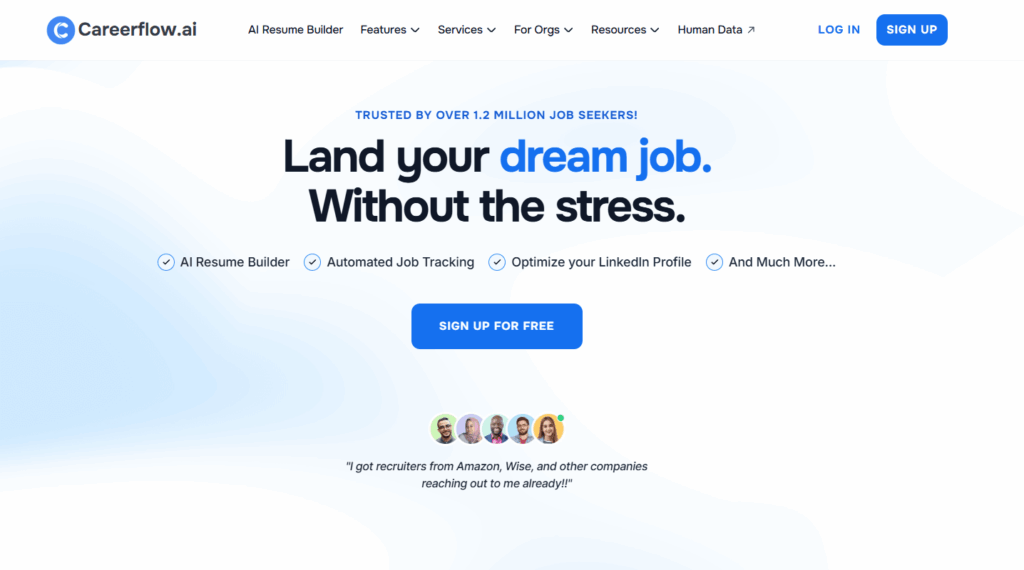
If your LinkedIn profile hasn’t been updated recently, it may not appear in recruiter searches. Careerflow.ai helps keep your profile optimized in real time.
Through its Chrome extension, Careerflow overlays optimization suggestions directly on your LinkedIn profile, giving users a constantly updated Profile Optimization Score.
The platform is particularly useful for candidates trying to ensure their profile passes the first algorithmic screening stage.
Key Features
- LinkedIn Optimization Score – Real-time evaluation of your profile.
- AI Profile Rewriter – Suggests headline and summary improvements.
- Job Application Tracker – Automatically logs jobs you view on LinkedIn.
- Kanban Dashboard – Visual pipeline for managing applications.
Pros
- Seamless LinkedIn integration via browser extension
- Strong profile optimization guidance
- Excellent application tracking system
- Beginner-friendly interface
Cons
- Chrome extension required for best functionality
- Some AI suggestions may require manual editing
- Advanced features behind paid plans
User Insight
Users particularly appreciate the auto-tracking feature, which records every LinkedIn job they view. This prevents common mistakes like forgetting to follow up with recruiters or losing track of promising opportunities.
3. Aragon.ai — The Visual Trust Architect
Your LinkedIn photo influences first impressions more than most candidates realize. Studies suggest recruiters spend roughly one second evaluating your profile photo before deciding whether to read further.
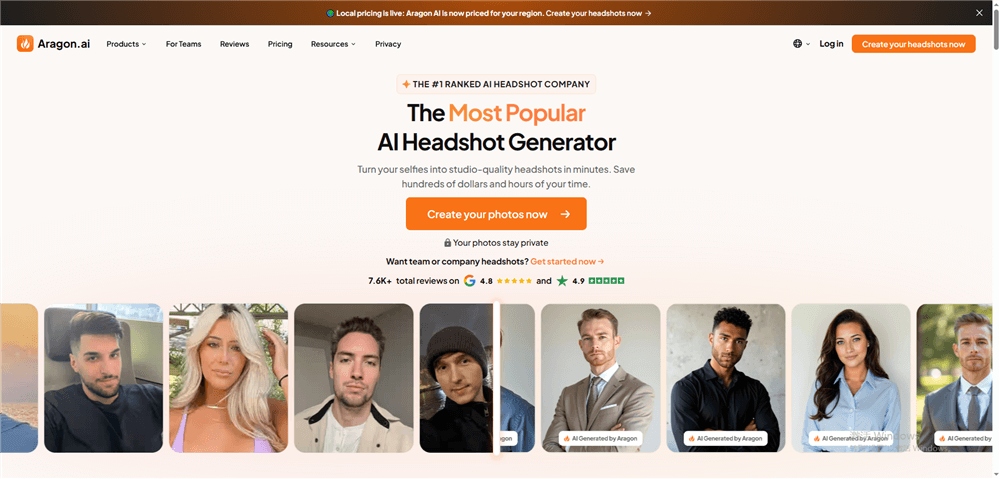
Aragon.ai uses AI to generate professional headshots from casual photos, eliminating the need for expensive photography sessions.
Its newest Remix feature allows users to adjust the style and tone of their photos to match different professional environments.
Key Features
- AI-generated professional headshots
- Style presets for industries (tech startup, corporate, consulting)
- Background and lighting customization
- Multiple image variations for A/B testing
Pros
- Much cheaper than professional photography
- High-quality images suitable for LinkedIn and resumes
- Fast turnaround (often within minutes)
- Multiple style options
Cons
- Requires uploading several base photos
- Some generated images may appear slightly artificial
- Not ideal for highly conservative industries requiring formal photography
User Insight
According to Dupple’s 2026 Testing, Aragon currently holds the highest “Human-Pass Rate” in blind tests against traditional photography. Testing by productivity platform Dupple found that Aragon currently has one of the highest “human-pass rates” when compared with traditional professional headshots in blind recruiter tests.
4. Simplify — The High-Speed Application Engine
Even strong candidates lose time filling out repetitive application forms on platforms like Workday, Greenhouse, or Lever.
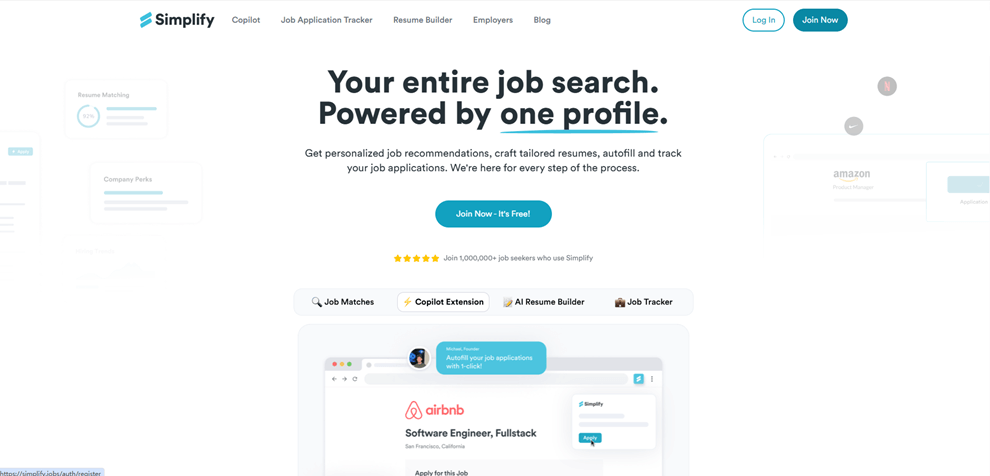
Simplify automates much of this process, allowing candidates to apply to jobs in seconds rather than minutes. It acts as a last-mile acceleration tool, helping users submit applications quickly after identifying strong matches.
Key Features
- Autofill for job applications across major hiring platforms
- Contextual bullet point selection based on job requirements
- LinkedIn Easy Apply detection
- Application analytics dashboard
Pros
- Saves significant time during application processes
- Reduces repetitive data entry
- Compatible with many ATS platforms
- Helpful for high-volume job searches
Cons
- Autofill sometimes requires manual corrections
- Less useful for highly customized applications
- Requires browser extension
User Insight
Many users pair Simplify with job discovery tools like Jobright. They identify high-match roles first, then use Simplify to submit applications quickly, creating a highly efficient workflow.
5. Taplio — The Inbound Branding Tool
Not all job opportunities come from applications. Many recruiters discover candidates through LinkedIn content engagement.
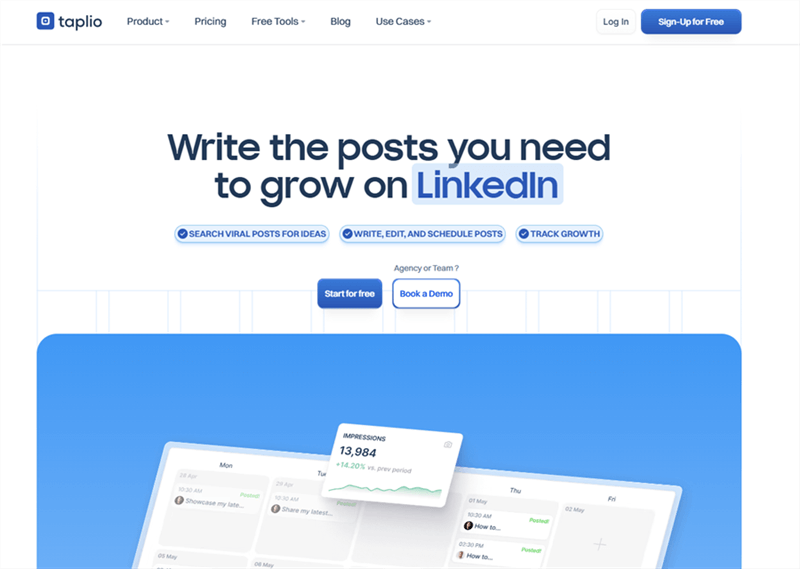
Taplio helps users build a professional presence on LinkedIn by generating high-quality posts, managing content schedules, and identifying potential networking leads.
For senior professionals, this approach can generate inbound recruiter outreach without applying to jobs directly.
Key Features
- AI-assisted LinkedIn post generation
- Content scheduling and analytics
- Engagement tracking
- Recruiter interaction insights
Pros
- Helps build personal brand on LinkedIn
- Generates recruiter visibility
- Strong analytics for engagement growth
- Useful for networking
Cons
- Requires consistent posting to see results
- Some generated content needs personalization
- More useful for mid-career or senior professionals
User Insight
Users often discover that recruiters who like or comment on posts can become warm leads. Taplio makes it easier to track those interactions and start networking conversations.
6. Final Round AI — The Interview Copilot
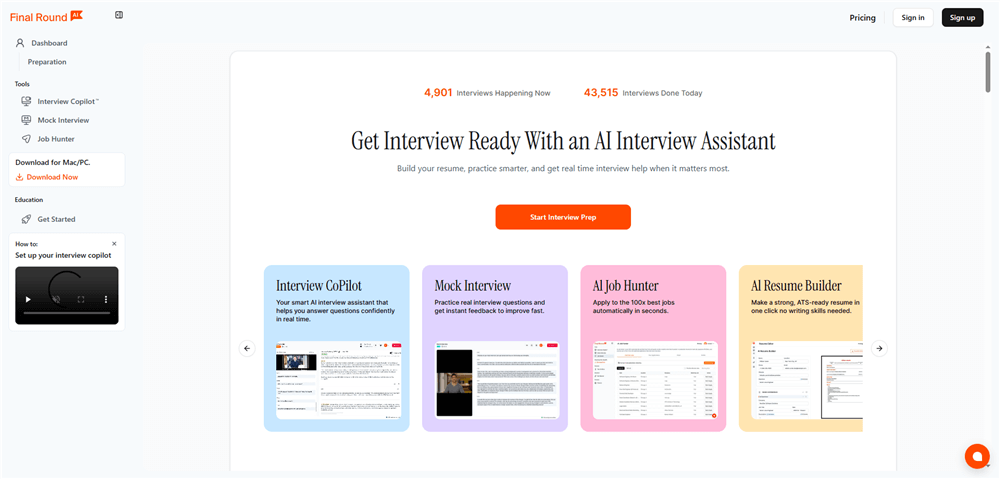
Landing the interview is only part of the challenge. Final Round AI assists candidates during live interviews by helping them recall relevant experiences quickly.
The system listens to interview questions and suggests answers based on your resume and career history.
Key Features
- Real-time interview assistance
- STAR method response generation
- Resume-based talking points
- Interview preparation analytics
Pros
- Reduces anxiety during interviews
- Helps structure answers effectively
- Useful for behavioral interview preparation
- Integrates with resume content
Cons
- Must be used discreetly during interviews
- Over-reliance may make answers sound robotic
- Requires practice to use naturally
User Insight
Some users recommend treating Final Round AI as a memory prompt rather than a script generator, ensuring responses still sound natural and authentic.
A Word of Caution: As noted by u/askbrit on Reddit: “Recruiters smell AI fluff from miles away. Use these tools to prompt your memory, not to read a script.”
7. Perplexity AI — The Deep-Dive Research Agent
Personalized outreach dramatically improves response rates on LinkedIn.
Perplexity AI acts as a research assistant, helping candidates quickly gather insights about companies, products, hiring trends, and market strategies.
Unlike traditional chatbots, it provides real-time sources and citations, making research more reliable.
Key Features
- Real-time web research
- Source-backed answers
- Company intelligence summaries
- Strategy brainstorming
Pros
- Faster company research
- Reliable citation-based results
- Useful for interview preparation
- Excellent for crafting personalized outreach
Cons
- Requires good prompting skills
- Some responses may still need fact-checking
- Not designed specifically for a job search
User Insight
Job seekers often use Perplexity before contacting recruiters to identify real business problems the company is facing, allowing them to position themselves as problem-solvers rather than applicants.
8. Claude — The Human-Centric Writing Engine
In 2026, recruiters are increasingly aware of generic AI-generated messages. Many can quickly detect robotic writing styles.
Claude stands out because it produces more natural, narrative-driven writing, making it ideal for crafting LinkedIn summaries, outreach messages, and networking emails.
Key Features
- Long-form writing assistance
- Narrative storytelling capability
- Tone and voice control
- Editing and rewriting tools
Pros
- Highly natural writing style
- Excellent for personal branding
- Strong contextual understanding
- Great for storytelling and career narratives
Cons
- Requires clear prompting for best results
- Not specifically built for job searching
- Some outputs still require editing
User Insight
Many candidates use Claude to rewrite their LinkedIn “About” sections, turning bullet-point resumes into compelling professional stories that resonate more with recruiters.
The 2026 LinkedIn Strategy: From Keywords to Semantic Authority
Why do these 8 tools matter? Because the LinkedIn algorithm has changed the way it calculates your “Authority Score.” In 2026, the ranking is determined by a complex interplay of verified skills and context:
1. The “Verified Skills” Myth
Simply listing “Python” on your profile is worth almost zero in 2026. LinkedIn now looks for “Entity Associations.” This means if you claim Python skills, the AI looks for posts you’ve written about Python, endorsements from people with higher Python scores than you, and projects listed in your experience that mention Python libraries (like Pandas or PyTorch).
2. The Narrative Context
Tools like Jobright help you build this context. Instead of saying “I managed a team,” the AI wants to see: “Led a distributed team of 12 engineers using Agile methodologies to reduce deployment latency by 40%.” This provides the “Narrative Context” that satisfies the matching engine.
3. Reducing the “Noise”
If your profile is a “tapestry” (a classic AI word) of every job you’ve ever had, your authority score for a specific role drops. You must use AI to prune your profile, focusing only on the “Entity Cluster” relevant to your target role.
Real User Sentiment: Lessons from the Community
- On Automation Timing: > “LinkedIn only lets you filter jobs by ‘Past 24 hours.’ By then, dozens have applied. I used an AI alert tool to find jobs posted as recently as 5 minutes ago. Being in the first 10 applicants is the only way to ensure a human sees your resume.” — r/PromptEngineering
- On Match Quality: > “LinkedIn AI suggestions are basically keyword matching… Jobright understood the difference between frontend vs fullstack vs backend.” — u/chemicallocha05, r/bestai2026
FAQ: Navigating AI in Your Job Search
Q1: Can LinkedIn detect if I used AI to write my profile?
Yes and No. While LinkedIn doesn’t “ban” AI content, its ranking algorithm penalizes “High-Entropy” text (text that looks like generic GPT output). If your profile sounds like everyone else’s, you will sink in the search results. The key is to use AI for structuring and research, then edit the final output to include your unique “Human Voice” and specific data points.
Q2: Is it safe to use “Auto-Apply” tools?
Proceed with extreme caution. LinkedIn has significantly increased its detection of browser automation in 2026. Tools that “spray” applications at 50 jobs per minute will likely get your account flagged or shadowbanned. Instead, use “Assisted-Apply” tools like Simplify or Jobright, which keep the human (you) in the loop and respect LinkedIn’s rate limits.
Q3: What is a “Good” Match Score?
On Jobright.ai, a score of 85+ is considered “High Velocity.” Anything below 70 means your profile and the job description have a “Semantic Mismatch.” Rather than applying anyway, use the AI to identify which specific experience points are missing and update your profile to bridge the gap.
Q4: Should I pay for LinkedIn Premium if I’m using these AI tools?
In 2026, LinkedIn Premium is almost a requirement for the “AI Hiring Assistant” insights it provides. However, the external tools mentioned in this guide provide deeper, more actionable data than Premium alone. Think of Premium as the “Entry Fee” and tools like Jobright as your “Competitive Edge.”
Q5: How often should I use AI to update my profile?
Ideally, you should “refresh” your profile every 30 days. The LinkedIn algorithm favors “Active” profiles. You don’t need to rewrite everything—just updating a few bullet points or posting an AI-assisted thought leadership piece (via Taplio) signals to the algorithm that you are an active and relevant candidate.
Q6: Will AI headshots look “fake” to recruiters?
Modern tools like Aragon.ai have solved the “uncanny valley” problem. However, the rule of thumb is: if you can tell it’s AI, the recruiter can too. Always choose the most “conservative” and high-resolution options. Avoid overly “perfect” lighting which can be a giveaway.
Conclusion
AI is a force multiplier, not a replacement. In 2026, the most successful job seekers are those who use AI to do the research, mapping, and formatting, but leave the curation and final networking to their human intuition.
Don’t let a bot apply for you. Use a “Career Copilot” like Jobright.ai to find the right room, and then use your human voice to close the deal.