
Greenhouse Candidate Insights: What Job Seekers Should Know
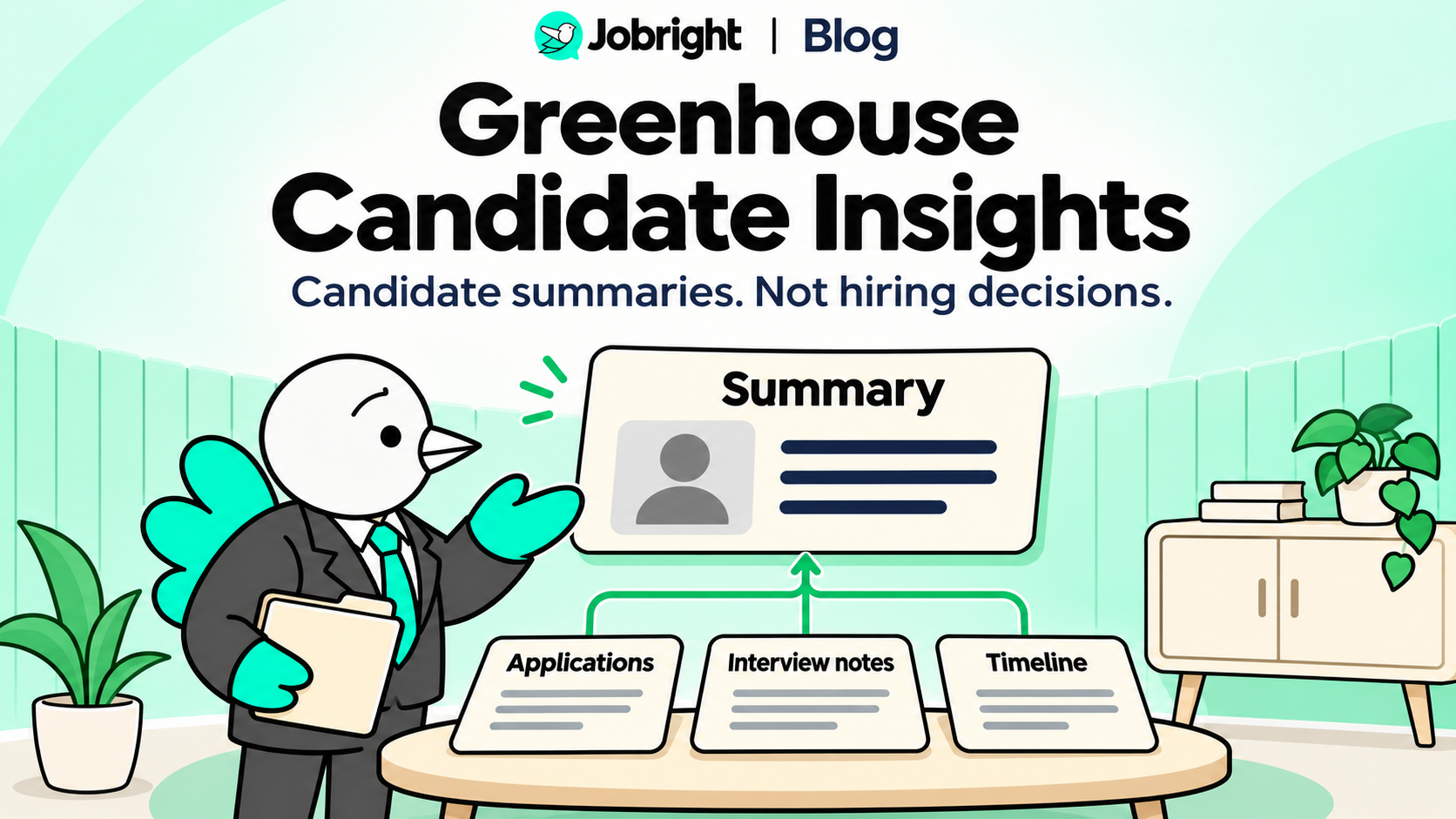
Table of Contents
If you apply to an employer that uses Greenhouse, you may wonder whether a new AI feature is deciding what happens to your application.
Greenhouse Candidate Insights is an employer-side assistant for understanding an existing candidate record. It is not a candidate scoring or automatic rejection tool. Greenhouse lists the feature in its November 2026 product updates.
For a job seeker, the practical response is not to hunt for a secret score. Make your experience understandable, keep factual details consistent, and clarify important gaps honestly.
What Is Greenhouse Candidate Insights?
The feature lets hiring teams ask questions about one candidate’s record. Its answers can summarize interview feedback, application history, stage timing, and offer information. Access follows the employer’s existing user permissions. Greenhouse’s support documentation describes an internal feature with no candidate-facing component.
That means it is not a new portal where you sign in to improve your Candidate Insights score.
The release is relevant to applicants because it changes how a hiring team can retrieve information. It does not establish that a particular employer uses it or that your application will be reviewed in a particular way.
Candidate Insights Is Not the Same as Talent Matching
Two product names can sound similar while describing different jobs.
| Feature | Documented purpose | What applicants should not assume |
|---|---|---|
| Candidate Insights | Retrieve and summarize an individual candidate’s record | That a summary is a score or a hiring recommendation |
| Talent Matching | Compare applicants with criteria calibrated by the hiring team | That an outside resume checker reproduces that employer’s assessment |
Greenhouse’s Talent Matching documentation describes employer-defined criteria and match scores. It also says that feature does not automatically advance or reject applicants.
Keep those descriptions separate. Neither feature name establishes a universal ATS cutoff, and a resume-matching percentage from another tool is not access to an employer’s private evaluation.
What Should You Change About Your Application?
You do not need a special “Candidate Insights resume.” Focus on the information you can control.
Make Your Contribution Clear
Read each important experience bullet and ask: Could someone tell what I personally did?
“Worked on cloud infrastructure” leaves the scope unclear. A more useful description names the task and your contribution—provided those details are true.
Do not upgrade “contributed to” into “owned” simply because stronger language sounds more impressive. The same distinction matters when you explain the project in an interview.
Keep Facts Consistent Without Making Every Document Identical
Your resume can emphasize different experience for different roles. Your application answers can explain a project in more detail. That does not require every document to use the same sentences.
Check that the underlying facts agree: employment dates, actual responsibilities, technologies used, credentials, and the scope of your contribution. If your formal title differs from the work you want to highlight, explain the work instead of silently changing the title.
For a written-response workflow, see AI Job Application Answers. Follow the employer’s AI-use instructions before using AI to edit your materials.
Distinguish Unclear Wording From a Real Experience Gap
A job description may ask for production on-call experience. Your resume may say “supported services.” Before adding a keyword, establish what that support actually involved.
Did you join a scheduled rotation, investigate an occasional issue, or handle routine requests? Those are different responsibilities. Describe the one you performed.
If you have not done the work, keep that gap visible while deciding whether the role fits. Do not treat a preferred qualification as a required one unless the posting says so.
Fictional Example: Clarifying a Backend Project
This is a fictional writing example, not a Greenhouse output, product test, or hiring result.
Candidate facts: The engineer maintained Python API endpoints, investigated failed requests with PostgreSQL queries, and added unit tests for a validation issue. A senior engineer owned the service architecture. No performance improvement was measured.
Vague bullet:
Worked on backend services and improved reliability.
Clearer bullet based on those facts:
Maintained Python API endpoints, used PostgreSQL queries to investigate failed requests, and added unit tests for a request-validation issue.
The revision identifies the work without claiming architecture ownership or inventing an improvement percentage. It is useful to a person reading the application; it is not a tested technique for changing an AI summary.
An application answer about the project can use the same facts with additional context. An interview answer should explain the candidate’s actual decisions and actions, not repeat a polished claim the candidate cannot support.
What If an Important Detail Is Wrong?
If you notice that you submitted an incorrect date, credential, or project claim, use the employer’s available application-update process or contact the recruiter. State the correction plainly and identify the role.
For example:
I noticed an error in the resume I submitted for [role]. The correct employment dates for [position] are [dates]. Is there a preferred way to provide an updated version?
This is a communication template, not a promise that a recruiter can replace every stored record. You also should not assume that you can view or edit internal interview feedback through Candidate Insights.
Where Jobright Resume Job Matcher Fits
Before applying, Jobright’s Resume Job Matcher can help you compare an existing resume with a job description. Its public page describes alignment across experience, skills, and job keywords.
Use the comparison to identify details worth reviewing. Confirm whether a flagged requirement is genuinely missing, simply unclear in your resume, or not relevant to the question you are answering.
Jobright’s comparison is not a preview of Candidate Insights, a Greenhouse integration, or a guarantee of passing an employer’s review.
Want to check alignment before editing? Compare your resume with the posting, then investigate the relevant findings rather than chasing a total.
For help interpreting a result, read What Is a Good Resume Match Score?
Frequently Asked Questions
Does Candidate Insights Automatically Reject Candidates?
No. Greenhouse describes it as read-only and explicitly says it does not score, rank, advance, reject, or recommend hiring decisions. That statement concerns Candidate Insights, not every feature or process an employer might use.
Can I See My Candidate Insights Report?
Greenhouse says Candidate Insights has no candidate-facing component. Do not confuse it with a candidate application portal. For questions about your application or submitted information, use the employer’s published contact or update process.
Does It Combine My Applications Across All Employers?
The documentation describes records associated with the candidate at the employer using the feature, subject to access permissions. It does not describe a universal profile shared across every company using Greenhouse.
Should I Add More Keywords for Candidate Insights?
Do not add terms just to influence an imagined scoring formula. Use relevant terminology when it accurately describes your experience. Clarify concrete work, preserve the limits of your responsibility, and leave unsupported skills out.
Can a Candidate Insights Summary Be Wrong?
Greenhouse cautions that answers may be incomplete or misinterpret a question and advises hiring teams to verify details against the underlying record. Applicants should correct factual errors they know they submitted through the employer’s available process, not assume they can inspect internal summaries.
The Takeaway for Job Seekers
Treat Candidate Insights as a change in how an employer can retrieve candidate information—not a new score to optimize. Keep your materials accurate and specific, explain your own contribution, and make application decisions based on the role’s actual requirements.