
ChatGPT Prompt to Tailor Your Resume to a Job Description
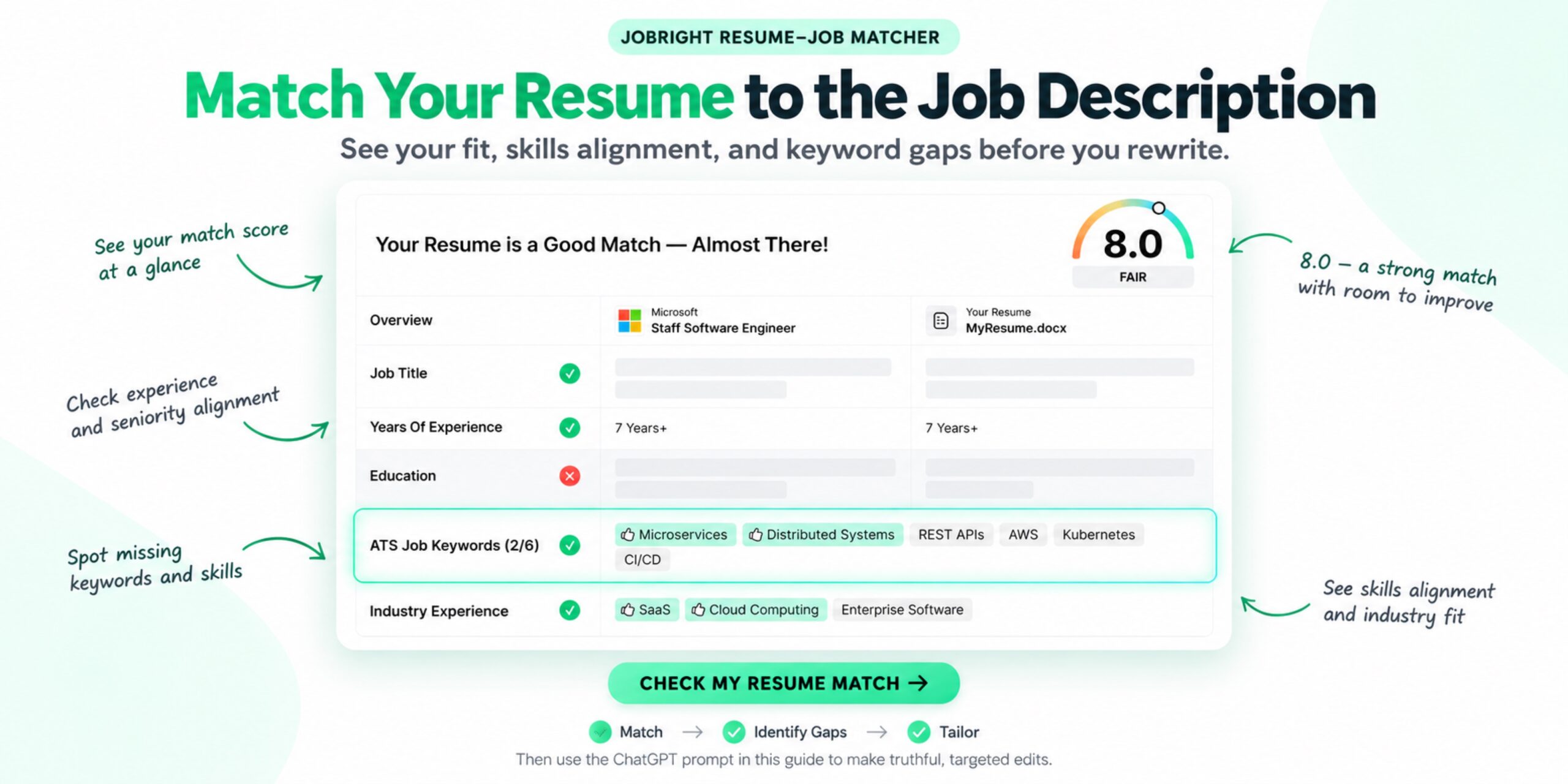
Table of Contents
Sending the same resume to every employer is convenient—but it can hide the experience that makes you a strong fit for a specific role.
ChatGPT can help you tailor your resume to a job description by comparing the two documents, identifying the most relevant requirements, and improving how your existing experience is presented. The key is to give it clear constraints.
You do not want ChatGPT to invent a stronger candidate. You want it to make your real qualifications easier to find.
Below is a copy-and-paste ChatGPT prompt to tailor your resume to a job description, followed by a practical workflow for reviewing the result.
Short answer: Give ChatGPT your current resume and the complete job description. Ask it to identify the employer’s priorities, map them to evidence already in your resume, and suggest targeted edits. Explicitly prohibit invented skills, responsibilities, job titles, and metrics.
The Best ChatGPT Prompt to Tailor Your Resume
Copy the prompt below and replace the bracketed sections with your information.
Copy this prompt:
Act as a careful resume editor and recruiter for the target role below.
Compare my current resume with the complete job description. Help me tailor the resume for this specific role while keeping every claim accurate and defensible.
Follow this process:
1. Identify the 8–12 most important requirements in the job description. Separate required qualifications from preferred qualifications.
2. Create a match table with these columns: Job Requirement, Evidence in My Resume, Match Strength, and Recommended Action.
3. Identify relevant experience, skills, tools, and results that are present in my resume but not emphasized clearly enough.
4. Identify important requirements that my resume does not currently demonstrate. Label these as genuine gaps; do not hide them or invent evidence.
5. Recommend which resume sections and bullets should be reordered, shortened, clarified, or rewritten.
6. Rewrite only the sections that need improvement. Use terminology from the job description only when it accurately describes my experience.
7. Preserve my job titles, employers, dates, education, certifications, and factual scope.
8. Do not invent skills, tools, responsibilities, achievements, leadership, metrics, or business results.
9. If a useful metric or detail is missing, ask me a question instead of estimating it.
10. Keep the final language concise, specific, natural, and easy for both recruiters and applicant tracking systems to understand.
Return the result in this order:
– Top requirements from the job description
– Resume-to-job match table
– Three highest-priority improvements
– Revised professional summary, if needed
– Revised experience bullets, grouped by role
– Revised skills section, if needed
– Genuine gaps that remain
– Final fact-check questions for me
Current resume:
[PASTE YOUR RESUME]
Target job description:
[PASTE THE COMPLETE JOB DESCRIPTION]
This prompt begins with analysis instead of immediately asking for a full rewrite. That distinction matters. You need to understand the gap before deciding what to change.
What to Prepare Before Using the Prompt
Prepare two clean text inputs:
- Your current resume: Use the version that best represents your actual background.
- The complete job description: Include the job title, responsibilities, required qualifications, and preferred qualifications.
Remove personal information you do not want to share, such as your street address, phone number, personal email, identification numbers, or immigration document details. Your work history, skills, projects, and measurable results are the useful inputs for this task.
If your resume contains sensitive information about customers, employers, internal systems, or confidential projects, generalize or remove it before pasting.
How to Tailor a Resume to a Job Description in Four Steps
The master prompt above handles the complete workflow. If you want more control, use these four resume prompts for ChatGPT one at a time. Each prompt has a single job: analyze the role, compare the evidence, revise the relevant experience, and check every claim.
Step 1: Analyze the Job Requirements
Before rewriting anything, determine what the employer actually prioritizes. This prevents a repeated keyword from being mistaken for a required qualification and keeps secondary duties from crowding out the core role.
Copy this prompt:
Analyze the job description below before looking at my resume.
Return:
1. The 5–8 core responsibilities
2. Required qualifications
3. Preferred qualifications
4. Tools, methods, and domain knowledge mentioned
5. The three priorities that appear most important based on repetition, placement, and context
6. Keywords that describe real qualifications rather than generic traits
Do not rewrite my resume yet. Do not assume every item is equally important. If the description is ambiguous, identify the ambiguity.
Job description:
[PASTE THE COMPLETE JOB DESCRIPTION]
Step 2: Compare the Resume With the Job Description
Next, map each important requirement to evidence in the resume. The output should distinguish among requirements already proven, relevant experience that is present but unclear, and genuine gaps.
Copy this prompt:
Compare my resume with the job requirements you identified.
Create a table with these columns:
– Job requirement
– Evidence in my resume
– Status: Clearly Demonstrated, Present but Unclear, or Not Demonstrated
– Recommended action
Use only information stated in my resume. Do not infer that I used a tool, led a project, or achieved a result unless the resume supports it. For anything marked Present but Unclear, explain what detail I should clarify. For anything marked Not Demonstrated, label it as a genuine gap unless you need to ask me a factual question first.
Resume:
[PASTE YOUR CURRENT RESUME]
Want to check the match before rewriting?
Compare your resume with the job description to identify relevant experience and missing requirements.
Step 3: Rewrite Only the Relevant Experience
Once the comparison is accurate, revise only the summary, skills, and bullets that need a clearer connection to the role. The goal is stronger evidence—not a different candidate.
Copy this prompt:
Revise only the resume sections that would benefit from clearer alignment with this job description.
Rules:
– Preserve my employers, job titles, dates, education, and factual scope
– Use job-description terminology only when it accurately describes my experience
– Turn vague responsibilities into specific actions using facts I supplied
– Do not invent skills, tools, projects, leadership, metrics, or business results
– Do not add a requirement that I do not possess
– If information is insufficient, ask a question before rewriting that claim
– Keep each bullet concise, natural, and easy to explain in an interview
For every revision, show:
1. Original wording
2. Revised wording
3. Why the revision improves relevance or clarity
4. The source fact that supports the change
Resume:
[PASTE YOUR RESUME]
Job description:
[PASTE THE JOB DESCRIPTION]
Answers to any clarification questions:
[ADD VERIFIED DETAILS]
Step 4: Check Accuracy and Truthfulness
Finish with a separate audit. Asking ChatGPT to critique its own rewrite helps surface unsupported keywords, changed meanings, and suspiciously precise numbers.
Copy this prompt:
Audit the revised resume against my original resume, my verified answers, and the job description.
Flag:
– Any skill, tool, responsibility, or result not supported by my source information
– Any metric I did not provide
– Any sentence that changes the scope or seniority of my work
– Keywords added without evidence
– Important job requirements that remain genuine gaps
– Claims that I should be prepared to explain in an interview
Do not fix a flagged item by inventing information. Ask me a factual question when clarification could resolve it; otherwise recommend removing or softening the claim. End with two lists: Verified Claims and Items Requiring My Confirmation.
Fictional Example: Tailoring a Data Analyst Resume
This example is fictional. It shows how an AI prompt to tailor a resume to a job description should separate proven qualifications, unclear evidence, and genuine gaps instead of forcing a match.
Target Job Description Requirements
- Use SQL to analyze customer and sales data.
- Build and maintain dashboards in Tableau or Power BI.
- Explain findings to sales and operations stakeholders.
- Identify trends and recommend actions.
- Python experience is preferred.
Original Resume Excerpt
Reporting Analyst — Northstar Retail (fictional)
– Prepared weekly reports for the sales team.
– Used Excel and SQL to organize customer data.
– Worked with managers to review performance trends.
The original bullets prove some relevant work, but they do not explain the reporting process, the dashboard tool, or how findings were communicated.
Resume-to-JD Match Analysis
| Job requirement | What the resume proves | Status | Action |
|---|---|---|---|
| SQL analysis | The candidate used SQL with customer data. | Clearly demonstrated | Clarify what was analyzed and how the output was used. |
| Tableau or Power BI | No dashboard tool appears in the resume. | Present but unclear | Ask whether the candidate used either tool before adding it. |
| Stakeholder communication | The candidate worked with managers, but the interaction is vague. | Present but unclear | Ask what was presented, to whom, and how often. |
| Trend identification | Performance trends are mentioned. | Clearly demonstrated | Describe the analysis without inventing an outcome. |
| Python | No Python experience is shown. | Not demonstrated | Keep this as a genuine gap; do not add Python. |
The prompt asks follow-up questions instead of guessing. In this fictional case, the candidate confirms that the weekly reports included a Tableau dashboard and that they walked sales managers through the findings. The candidate also confirms they have not used Python professionally. No verified performance metric is available.
Tailored Resume Excerpt
Reporting Analyst — Northstar Retail (fictional)
– Analyzed customer and sales data in SQL and Excel to prepare weekly performance reports for sales managers.
– Built and maintained a Tableau dashboard that organized recurring sales metrics for weekly review.
– Presented performance trends to sales managers and clarified the data behind changes in customer activity.
Why These Changes Work
- SQL was already supported: The revision makes the analytical purpose clearer.
- Tableau and presentations required confirmation: They were added only after the fictional candidate supplied those facts.
- Python remains a real gap: It is not inserted into the Skills section or disguised with adjacent experience.
- No metric was invented: The bullets communicate relevant scope without manufacturing a percentage or business result.
Once you know which claims are supported, use Jobright’s Resume Tailor to turn the verified experience into a resume version aligned with the target role.
Follow-Up Prompt to Check the Revised Resume
After making your edits, use a separate review prompt rather than asking ChatGPT to keep rewriting indefinitely.
Copy this prompt:
Perform a final quality review of my revised resume against the target job description.
Check:
– Whether the most important job requirements are supported by clear evidence
– Whether relevant keywords appear naturally and in context
– Whether any bullet changes the meaning of my original experience
– Whether any skill, responsibility, result, or metric appears unsupported
– Whether the professional summary is specific to this role
– Whether bullets are concise and begin with clear actions
– Whether the resume is readable for both a recruiter and an ATS
List problems by priority. Do not rewrite anything until you explain what is wrong. Do not give me an invented ATS score or claim that the resume is guaranteed to pass an employer’s system.
Revised resume:
[PASTE REVISED RESUME]
Target job description:
[PASTE JOB DESCRIPTION]
What Not to Ask ChatGPT to Do
Avoid prompts such as:
- “Rewrite my resume so I am the perfect candidate.”
- “Add impressive metrics to every bullet.”
- “Make sure I match every keyword.”
- “Give me a 95% ATS score.”
- “Fill in anything that is missing.”
These instructions encourage overstatement, keyword stuffing, or false precision.
ChatGPT does not know how a specific employer configured its applicant tracking system. It can analyze language and structure, but it cannot guarantee that a resume will pass an unknown screening process.
Common Resume-Tailoring Mistakes
Copying Keywords Without Evidence
If a job description includes Kubernetes and you have never used Kubernetes, adding it to your Skills section is not tailoring. It is an inaccurate claim.
Use a keyword only when your background supports it. Whenever possible, connect the term to evidence in an experience or project bullet.
Rewriting the Entire Resume at Once
A full rewrite can erase useful details, change your voice, and introduce subtle inaccuracies. Diagnose first, then edit the sections that need attention.
Inventing Metrics
ChatGPT may turn “improved efficiency” into “increased efficiency by 35%.” Delete any number you did not provide or verify.
Making Every Bullet Sound the Same
AI-generated bullets often follow the same action-plus-metric formula. Vary sentence structure naturally and keep the details that distinguish your work.
Optimizing Only for Software
An ATS may help organize applications, but a recruiter or hiring manager still needs to understand your value. Clear evidence is more useful than a dense list of repeated keywords.
A Better Resume-Tailoring Workflow
Use this sequence for each serious application:
Choose the job → Compare the resume with the job description → Identify real gaps → Make targeted edits → Verify every claim → Run a final comparison
ChatGPT is most useful in the editing stage. A structured resume-to-job comparison can help you decide what deserves attention first.
Start by comparing your existing resume with the specific role to see where relevant skills, experience, or keywords may need more emphasis. Then use the master prompt in this article to make targeted, truthful edits with ChatGPT and review the updated resume again before applying.
For additional writing help, you can use the Jobright AI Resume Builder or explore these ChatGPT prompts for an ATS-friendly resume.
The goal is not to produce the most optimized-sounding resume. It is to make the overlap between your real experience and the employer’s needs easy to see.
Frequently Asked Questions
Can ChatGPT tailor my resume to a job description?
Yes. ChatGPT can compare a resume with a job description, identify relevant requirements, suggest clearer wording, and help reorganize information. You should verify every suggestion and reject any change that introduces unsupported skills, experience, or results.
What is the best prompt to tailor a resume to a job description?
The best prompt supplies both documents, asks for a requirement-by-requirement comparison, and requires ChatGPT to preserve facts. It should also tell ChatGPT to ask questions rather than invent missing metrics or details.
Should I paste my entire resume into ChatGPT?
You can paste a clean-text version after removing personal and confidential information you do not want to share. Keep the work history, skills, projects, and measurable results needed for the comparison.
Can ChatGPT give me an accurate ATS score?
No. ChatGPT does not know the rules or configuration of a specific employer’s ATS. It can identify likely keyword and readability issues, but any score it generates should not be treated as an employer’s actual screening result.
How much of my resume should I change for each job?
Change only what improves relevance and clarity. You may reorder bullets, revise the summary, emphasize different projects, or clarify skills. Your employers, job titles, dates, responsibilities, qualifications, and results must remain accurate.
Can I use keywords from the job description in my resume?
Yes, when those keywords truthfully describe your experience. Use them naturally in context instead of copying every term into the Skills section.
How do I stop ChatGPT from inventing resume metrics?
State explicitly that it must not estimate or create numbers. Tell it to ask you for missing information and to leave the result unquantified when you cannot verify a metric.
1 thought on “ChatGPT Prompt to Tailor Your Resume to a Job Description”
Comments are closed.