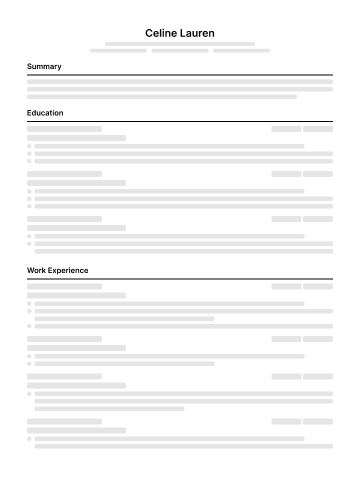
Standard
A single-column layout with familiar section headings. A starting point when you want your experience to be easy to scan.
Single column · Clear sections


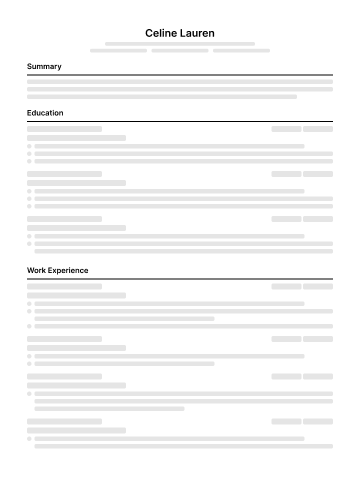
These are Jobright's official template style previews with sample placeholder content. Compare the structure, then use your own resume in the editor.
A single-column layout with familiar section headings. A starting point when you want your experience to be easy to scan.
Single column · Clear sections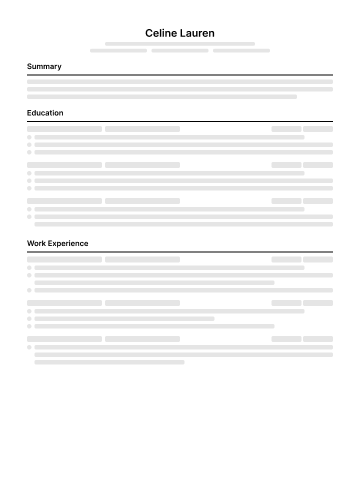
A tighter layout for presenting your experience in less space. Review the final page length and keep the text readable.
Compact spacing · Focused content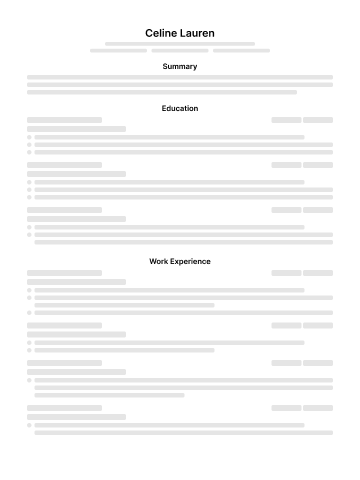
Centered headings separate your resume sections. Compare how your contact information, experience, and skills read in this layout.
Centered headings · Clear sections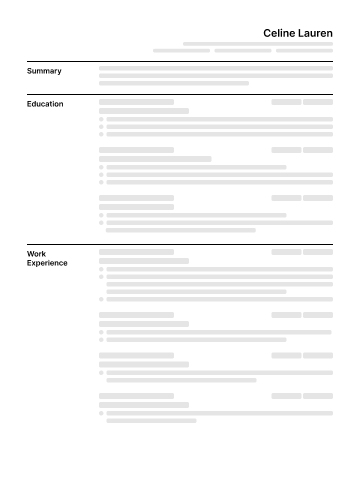
Section names sit to the left of your content. Compare the reading order and space available for your work history.
Section labels · Organized content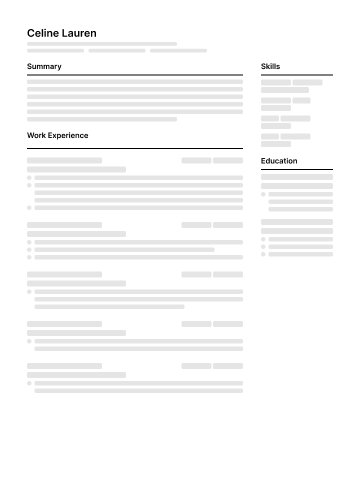
A two-column layout for separating sections visually. Review the exported document and follow the employer's requested format.
Two columns · Distinct sectionsA template changes the layout, not your qualifications. Review headings, dates, reading order, and the exported file. Follow each employer's format requirements.
Use the AI Resume Builder to improve your existing content, check your resume for ATS, or tailor your resume to a job. Choosing a layout and improving what you write are separate steps.