How do I use AI to apply for jobs?+
Sign in to Jobright, set your job preferences, and upload your existing resume. Review your recommended roles, use Add to choose the jobs you want, and use Start to activate Jobright Agent. Follow its progress and respond to any actions that require your input. This page introduces the workflow; applications happen inside your Jobright account.
What does an AI job application tool do?+
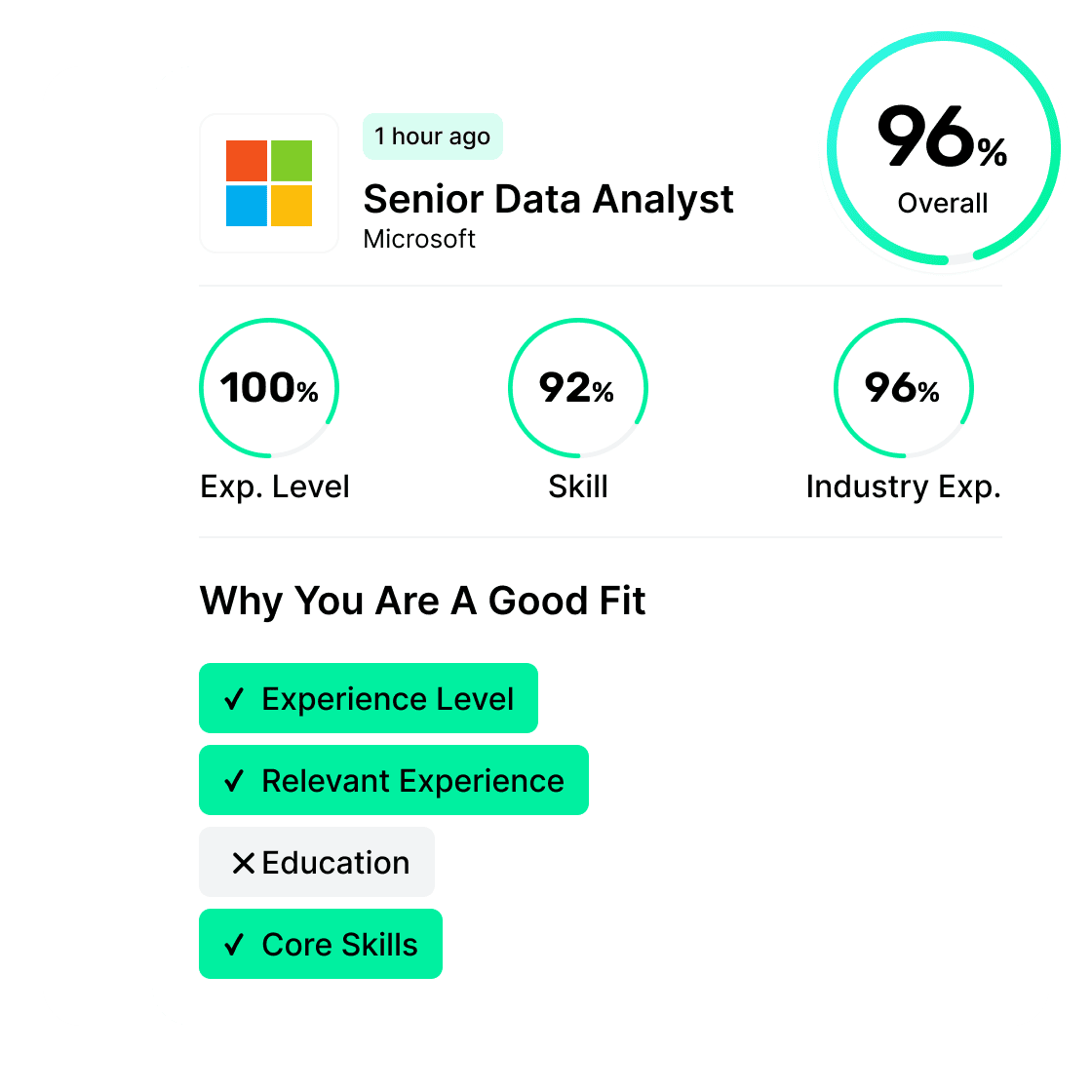
An AI job application tool helps with steps such as finding relevant roles, tailoring existing application materials, or completing applications. Jobright combines job matching, resume tailoring, and an Agent that works through the jobs you select. Check the job requirements and keep your profile and resume accurate before enabling applications.
What is the difference between auto apply and autofill?+
Autofill helps populate an application form that you review and submit yourself. Auto apply goes further: Jobright Agent works through an application workflow for the jobs you add after you start it. These are different levels of automation. If you prefer to complete and submit each form yourself, explore Jobright's Autofill extension.
Can I choose which jobs the AI applies to?+
Yes. Review the recommended jobs and use Add to put the roles you choose on the Agent's application list, then use Start to activate it. Choosing jobs is not the same as reviewing every completed application before submission. Check the current in-product instructions and any required actions before starting.
Do I need an existing resume to get started?+
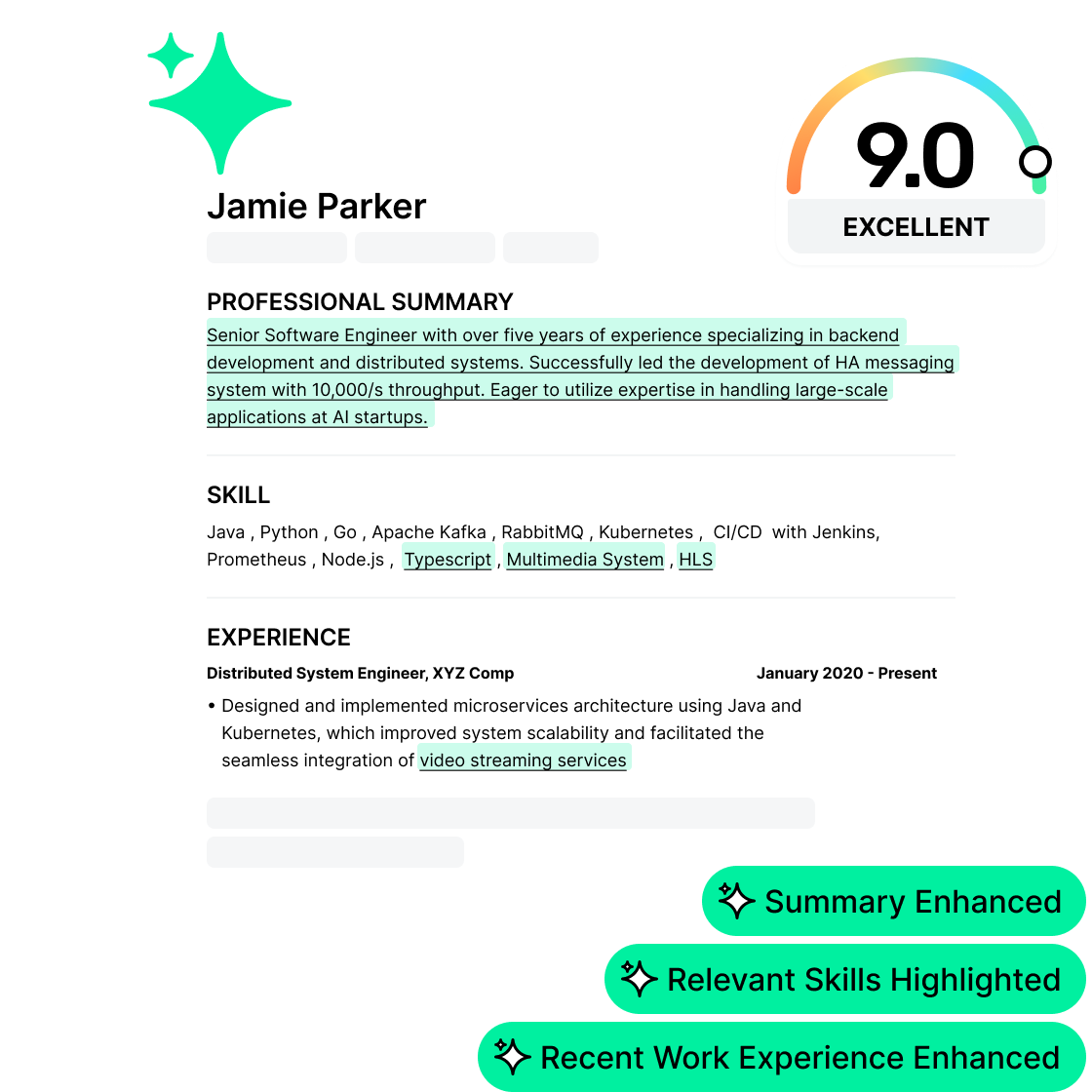
Yes. Upload your existing resume after setting your job preferences. Jobright uses your background to inform job matching and can help tailor your resume for a target role. Review suggested edits and do not include skills, experience, or achievements you cannot support.
Is Jobright's AI job application tool free?+
Auto-apply access and usage limits depend on your account and plan. Check the current feature access and available credits in your Jobright account before starting, and review what is included before choosing a plan.
Is it okay to use AI for job applications?+
Check each employer's application instructions and any stated rules about AI assistance. Keep your qualifications, resume edits, and screening answers accurate. Understand whether a tool only fills a form or also submits it, and check its controls before starting. AI assistance does not guarantee an interview or offer; employers make their own hiring decisions.
What is the best AI job application tool for my search?+
Choose a tool for the task you need help with, not application volume alone. Compare how it selects roles, uses your existing resume, handles submission, and shows application progress. Check supported jobs, review controls, pricing, and usage limits. If you want to review and submit each form yourself, an autofill extension may be a better fit than auto apply. There is no single best tool for every job seeker.
Which jobs and application sites are supported?+
Check the roles available in your account and the Agent's current application instructions. Availability can vary by job, location, application site, and plan. Do not assume that every employer website, country, or application step supports automation; follow any required actions shown in the product.